
TL;DR:
- Many people overpay for streaming services and spend too much time scrolling without purpose. Regularly auditing subscriptions, using free ad-supported platforms, and setting viewing intentions can significantly improve your experience. Optimizing device settings and environment, along with establishing consistent habits, help maintain enjoyable, efficient streaming long-term.
Most people pay too much, scroll too long, and still end up watching something they don't care about. These entertainment streaming tips cut through that cycle. Whether you're managing five subscriptions or just trying to find something worth watching on a Friday night, the fixes are simpler than you think. This guide covers setup optimization, content curation, subscription management, and the habits that keep your streaming experience sharp month after month.
Table of Contents
- Key takeaways
- Top entertainment streaming tips for your setup
- How to stop scrolling and actually pick something
- Building a better streaming environment
- Fixing common streaming problems
- Habits that keep streaming enjoyable long-term
- My take on what actually changes the experience
- Stream smarter with Vexiotv
- FAQ
Key takeaways
| Point | Details |
|---|---|
| Audit subscriptions regularly | Cutting unused services can reduce monthly streaming costs to under $20. |
| Use free streaming platforms | Ad-supported platforms offer thousands of titles at zero cost, legally. |
| Set viewing intent before browsing | Defining time, mood, and company before opening an app cuts scrolling time significantly. |
| Optimize your device settings | Switching to Movie mode and using Ethernet reduces buffering and eye strain. |
| Reboot devices on a schedule | Regular device reboots clear memory issues and keep apps running smoothly. |
Top entertainment streaming tips for your setup
Before you think about what to watch, look at what you're paying for and how your equipment is configured. Most people skip this step entirely.
Start by listing every active subscription you have. Write down the monthly cost and when you last used it. This takes ten minutes and often surfaces two or three services you forgot about. Cutting unused services can reduce a streaming bill that runs $70 or more per month down to under $20. That is not a small number.
Here is how to run a subscription audit that actually works:
- List every streaming service and its monthly cost
- Note the last date you watched something on each platform
- Mark any service where that date is more than 30 days ago
- Cancel those services immediately
- Use a calendar reminder to resubscribe when a specific show or season you want drops
Subscription cycling aligned with content release schedules is one of the most underused cost strategies. Subscribe for the month a show releases, binge it, then cancel.
For the months you're not paying for premium services, lean on free options. FAST platforms offer thousands of movies and TV shows through ad-supported models at no cost. Platforms like Tubi, Pluto TV, and the Roku Channel are legal, well-stocked, and completely free.
Pro Tip: Switch your TV's picture mode from "Vivid" to "Movie" or "Cinema." Vivid mode causes eye strain and blows out color accuracy. Movie mode is calibrated closer to how content was actually produced.
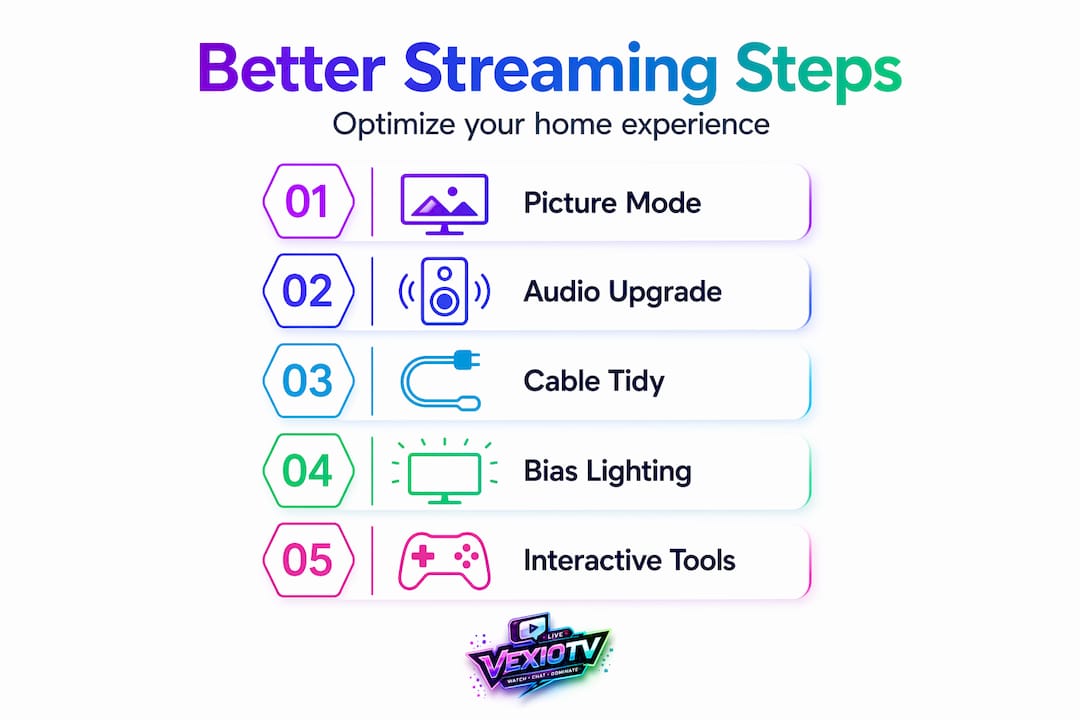
On the technical side, two changes make a noticeable difference:
| Setup Change | Impact |
|---|---|
| Switch to Movie/Cinema picture mode | Reduces eye strain, improves color accuracy |
| Use an Ethernet cable instead of Wi-Fi | Eliminates buffering caused by wireless interference |
| Reboot your streaming device weekly | Clears memory leaks that slow down apps |
| Update streaming apps regularly | Fixes playback bugs and codec errors |
Hardwiring devices and rebooting regularly outperforms relying on default presets. A wired connection is simply more stable than Wi-Fi for video playback, especially for 4K content.
How to stop scrolling and actually pick something
Endless scrolling is not a content problem. It is a decision problem. The fix is to define what you want before you open the app, not after.
Setting viewing constraints like time available, mood, and who you are watching with can reduce content selection time from 20 minutes to under 2 minutes. That is not an exaggeration. When you know you have 30 minutes and want something light to watch alone, you have already eliminated 90% of the catalog before you start.
Use this approach to build watchlists that work:
- Create separate lists by category: quick comedies under 30 minutes, limited series you can finish in a weekend, family-friendly picks, and solo late-night viewing
- Add titles to each list whenever you hear a recommendation, not when you're already sitting down to watch
- Before opening any streaming app, decide which category fits the moment
- Pick the first title from that list that looks good. Stop deliberating
Platform profiles help here too. Set up individual profiles for each person in your household. Separate profiles give each person cleaner recommendations because the algorithm is not trying to serve a comedy lover and a documentary fan with the same suggestions. Turn on parental controls on kids' profiles so you are not surprised mid-family-night by inappropriate content.
Pro Tip: Turn off autoplay. It sounds minor, but autoplay removes the natural pause between episodes where you would normally decide whether to keep watching or stop. Turning it off puts that choice back in your hands.
The goal with entertainment streaming ideas like themed watchlists is to reduce friction, not add structure for its own sake. If a list is not helping you decide faster, simplify it.
Building a better streaming environment
Your physical setup affects how much you enjoy what you watch. This is not about spending money on gear. It is about removing discomfort and distraction.
Good streaming environments share a few qualities:
- Lighting that reduces glare on the screen without making the room completely dark
- Seating that supports your back for sessions longer than 45 minutes
- Cables organized and out of sight so the space feels clean
- Audio that fits the content, whether that means a soundbar for movies or simple headphones for late-night solo viewing
Ergonomic improvements and cable management reduce physical fatigue and make streaming spaces more memorable. When a space feels set up with intention, you settle in faster and stay more focused on what you are watching.
For live streaming viewers specifically, interactivity changes the experience. Chat, polls, and real-time participation make content more engaging than passive viewing. This is why live content on platforms built around community tends to hold attention longer than pre-recorded content watched alone.
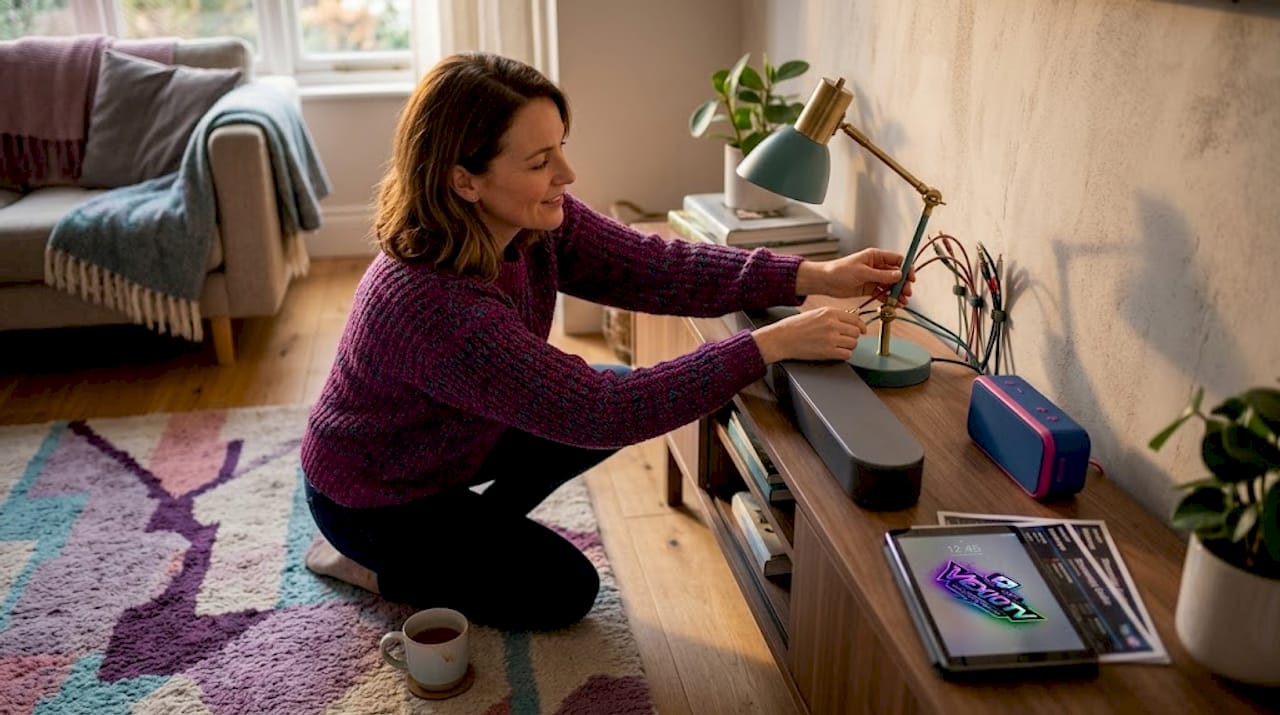
Pro Tip: Add a small Bluetooth speaker or soundbar even if your TV speakers seem adequate. Audio quality has a bigger impact on perceived video quality than most people expect. Better sound makes everything feel higher production value.
Here is a quick comparison between a basic and an optimized streaming space:
| Element | Basic setup | Optimized setup |
|---|---|---|
| Lighting | Overhead only, causes glare | Bias lighting behind TV, no glare |
| Audio | Built-in TV speakers | External soundbar or speakers |
| Seating | Whatever is available | Supportive chair or sofa at correct viewing distance |
| Cable management | Cables visible and tangled | Cables routed and hidden |
| Interactivity | Passive viewing | Chat, polls, or social viewing apps active |
Interactive stream setups that include viewer participation tools keep audiences engaged longer. If you watch live content regularly, using chat actively is one of the simplest ways to feel more connected to what you are watching.
Fixing common streaming problems
Most streaming problems have straightforward solutions. The issue is that most people either ignore them or try the wrong fix.
Here are the most common problems and what actually works:
- Buffering and playback interruptions: Use a wired Ethernet connection. If that is not possible, move your router closer or use a Wi-Fi extender. Check that no other devices are running large downloads at the same time.
- Slow or sluggish app behavior: Reboot your streaming device on a weekly schedule. Memory leaks build up over time and cause apps to slow down even when your internet connection is fine.
- Regional content blocks: Use a VPN with servers specifically optimized for streaming. Streaming-optimized VPN servers provide better reliability for geo-restricted content than generic server selections.
- Poor recommendations: Clean up your viewing history on each platform and set up separate profiles per household member. Most recommendation engines work best with consistent, single-user data.
- Subscription overload: Run the audit described above. More subscriptions do not mean more good content available to you. They mean more decision fatigue.
Pro Tip: Test your full setup before a scheduled viewing session, not during it. Check your connection speed, confirm the app is updated, and verify the title you want is still available on the platform.
Streaming problems are almost always environmental or behavioral, not technical. Fix the habits first, then address the hardware.
Habits that keep streaming enjoyable long-term
One-time fixes only go so far. The best streaming practices are routines, not single actions.
Here is a monthly habit set that keeps your setup and content choices working well over time:
- Run a subscription audit on the first of each month. Cancel anything you did not use. Resubscribe to services with upcoming releases you want.
- Add at least five new titles to your watchlists during the month, based on recommendations or browsing when you are not trying to pick something immediately.
- Check for device firmware and app updates every two weeks. Updates fix bugs that cause playback issues.
- Refresh your streaming space once per season. This does not require purchases. Rearrange seating, adjust lighting, or clean up cables.
- Try one free ad-supported platform per month that you have not used before. Libraries on these platforms rotate, and they are worth checking.
The people who get the most out of streaming are not the ones with the most subscriptions. They are the ones who watch with intention and maintain their setup. These best streaming practices take less than an hour per month to maintain.
Pro Tip: Keep a simple running note on your phone for streaming recommendations. When a friend mentions a show or you see a trailer that interests you, add it immediately. Your watchlist fills up passively, so you always have something ready.
Staying informed about new free and low-cost options also matters. The FAST platform space is expanding. Services that did not exist two years ago now carry substantial libraries. Checking in periodically costs nothing and frequently turns up solid content you would have missed.
My take on what actually changes the experience
I've spent a lot of time testing these strategies, and the single biggest shift is not technical. It is deciding what you want before you open an app. I've seen people upgrade their TV, their soundbar, and their router, then still spend 25 minutes scrolling before picking something mediocre. The gear didn't solve the problem because the problem was a lack of intent.
What actually changed my streaming experience was building watchlists by mood category and sticking to them. When I sit down knowing I want a 45-minute comedy, I pick from that list and start watching within two minutes. That change alone made streaming feel worth my time again.
The physical environment matters more than people give it credit for. I moved a lamp, added a small soundbar, and managed my cables. None of that cost much. But settling into a space that feels set up deliberately changes how much I pay attention to what I am watching.
The community element is underrated too. Watching live content where other viewers are reacting in real time adds energy that pre-recorded content rarely matches. It is a different kind of engagement, and once you experience it regularly, passive solo viewing starts to feel flat by comparison.
My advice: start with the subscription audit, build two or three watchlist categories, and fix your picture mode. Those three changes take under an hour and produce results you will notice the same night.
— M7
Stream smarter with Vexiotv
If you are looking for a platform that puts entertainment and community in the same place, Vexiotv is worth your time. Vexiotv is built for live content across gaming, music, IRL activities, and creative performances, with tools that make going live straightforward for creators and engaging for viewers.
Vexiotv combines the interactive elements that make live streaming genuinely different from recorded content, including real-time chat and community tools, with a creator monetization structure that keeps quality content coming. Whether you watch or create, the platform is designed to make the experience direct and rewarding. Start on Vexiotv today and see what live entertainment looks like when the community is built in from the start.
FAQ
How do I cut my streaming costs fast?
Run a subscription audit. List every service, note the last time you used it, and cancel anything unused. Many users paying $70+ monthly can cut that to under $20 by canceling idle subscriptions and switching to free ad-supported platforms.
What is the fastest way to stop endless scrolling?
Define your viewing intent before opening any app. Set a time limit, identify your mood, and choose a watchlist category. Picking content in 2 minutes is realistic when you set those constraints in advance.
Why does my streaming keep buffering?
The most common cause is a wireless connection. Switch to a wired Ethernet connection and reboot your streaming device weekly to clear memory issues that slow down app performance.
Are free streaming platforms worth using?
Yes. FAST platforms like Tubi and Pluto TV offer thousands of titles legally at no cost through an ad-supported model. They are a practical supplement or full replacement for paid subscriptions.
How often should I update my streaming setup?
Check for device firmware and app updates every two weeks. Do a light physical refresh of your streaming space once per season. A monthly subscription audit keeps costs in line without requiring major changes.