
TL;DR:
- Creative live streaming emphasizes real-time interaction and audience participation over passive viewing.
- Technical setup involves cameras, microphones, encoding software, and platform choice for engagement.
- Building trust and community through transparency and participation drives long-term loyalty and income.
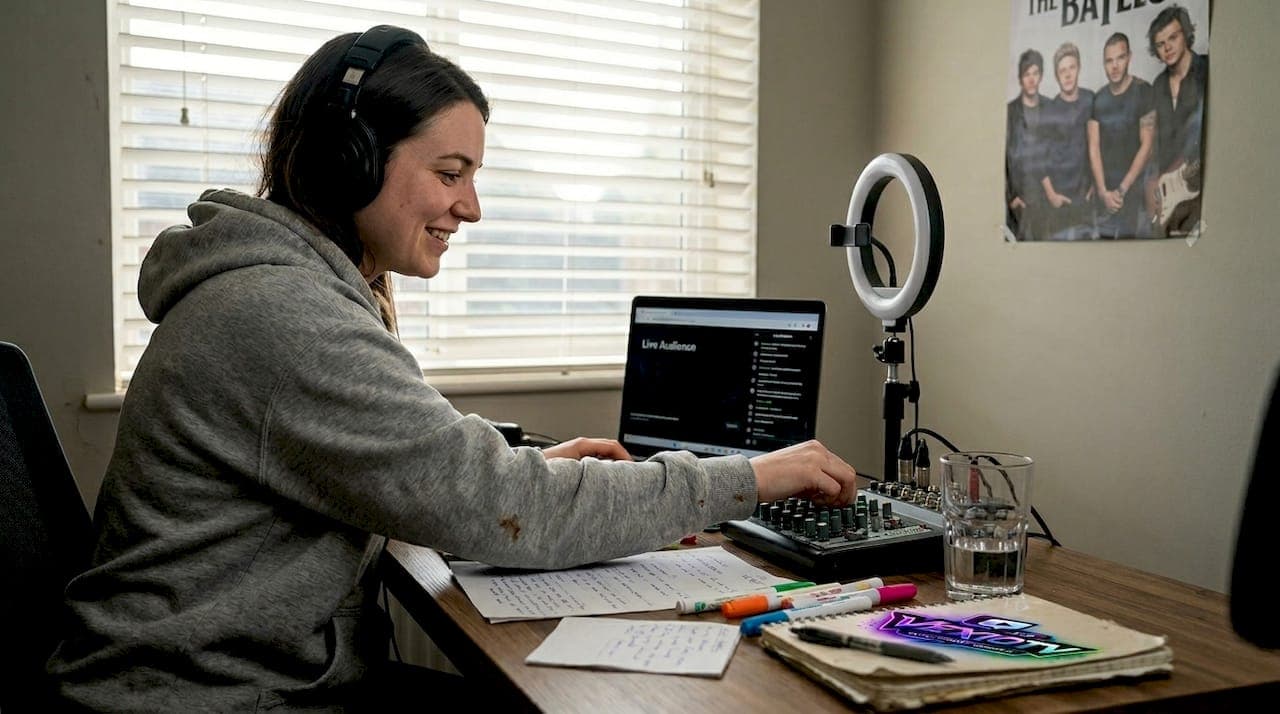
Live streaming is not just for gamers. Musicians, performers, artists, and educators are going live every day to build real audiences and earn real income. Creative live streaming has grown into its own category, and it rewards creators who understand how it works. This article breaks down what creative live streaming is, how the technology works, what challenges to expect, and how to turn your stream into a loyal community and a steady revenue source. Whether you play guitar, paint, teach, or perform, this guide is for you.
Table of Contents
- What is creative live streaming?
- How creative live streaming works: The technology and process
- Key challenges and creative solutions
- Best practices for engaging and monetizing your creative stream
- What most guides miss about creative live streaming
- Ready to elevate your streaming experience?
- Frequently asked questions
Key Takeaways
| Point | Details |
|---|---|
| Broad audience opportunities | Creative live streaming empowers all kinds of creators, not just gamers, to engage diverse audiences in real time. |
| Technology made simple | User-friendly tools and platforms now make high-quality live streaming accessible to musicians, artists, and performers. |
| Community equals success | Sustained growth and monetization come from cultivating active, interactive communities—not just passive viewers. |
| Know the challenges | Navigating copyright, latency, and moderation issues is critical for a safe and professional stream. |
What is creative live streaming?
Most people still picture gaming when they hear "live streaming." That picture is incomplete. Creative live streaming covers a wide range of content: live music concerts, art workshops, cooking demos, comedy performances, behind-the-scenes studio sessions, and more. The defining feature is not the content type. It is the emphasis on real-time interaction between the creator and the audience.
Creative live streaming refers to live streaming focused on creative content creation, such as tutorials, workshops, performances by musicians and performers, and interactive sessions for gaming streamers and other content creators, emphasizing real-time audience engagement over traditional gaming or broadcast streaming.
Creative live streaming puts the audience inside the creative process, not just in front of it.
This distinction matters. A traditional broadcast pushes content at viewers. A creative stream pulls viewers into the experience. A musician who stops to answer chat questions, a painter who lets viewers vote on the next color, or a performer who takes song requests is doing something fundamentally different from a passive broadcast.
The resurgent interest in creative platforms shows that audiences want this kind of participation. They do not just want to watch. They want to be part of what is happening.
Here is a quick comparison to clarify the differences:
| Feature | Creative live streaming | Traditional streaming |
|---|---|---|
| Primary audience | Fans, learners, community members | Viewers, spectators |
| Main goal | Engagement, education, performance | Entertainment, broadcast |
| Key tools | Cameras, audio gear, creative software | Gaming capture cards, game clients |
| Interaction level | High, continuous two-way | Low to moderate |
| Content format | Workshops, concerts, IRL, art | Gameplay, esports, talk shows |
Exploring the full range of types of live streams can help you identify where your content fits and how to position it for maximum reach.
How creative live streaming works: The technology and process
The mechanics behind a live stream are straightforward once you break them down. Your camera or microphone captures audio and video. Software on your computer encodes that data, compressing it for fast transmission. That compressed signal travels to a content delivery network (CDN), which distributes it to viewers with low latency. Low-latency distribution uses software like OBS Studio, StreamYard, and Riverside, and sends signals to platforms like YouTube Live, Twitch, TikTok LIVE, and Instagram Live.
Here is the step-by-step workflow for setting up a creative stream:
- Choose your camera and microphone based on your content type (a USB mic works for talking; a condenser mic is better for music).
- Install encoding software such as OBS Studio (free) or StreamYard (browser-based).
- Set up your scenes: one for your main content, one for breaks, one for your intro.
- Connect your streaming platform account and copy your stream key into the software.
- Run a test stream to check audio levels, video quality, and latency.
- Go live and monitor chat in real time.
- End the stream with a clear call to action: follow, subscribe, or return for the next session.
Pro Tip: Pre-build your scenes before going live. A smooth transition between your intro, main content, and outro looks professional and keeps viewers watching longer.
Here is a quick reference for popular tools:
| Tool or platform | Best for | Main features |
|---|---|---|
| OBS Studio | Full control, advanced setups | Free, scene switching, filters |
| StreamYard | Beginners, interviews | Browser-based, guest invites |
| Riverside | High-quality recording | Local recording, multitrack audio |
| YouTube Live | Large reach, discoverability | Monetization, VOD archive |
| Twitch | Community building, gaming | Subscriptions, channel points |
| TikTok LIVE | Short-form audience crossover | Gifts, fast discoverability |
For a detailed look at interactive stream setup, including gear lists and layout tips, there are resources built specifically for creative creators. Understanding why streaming platforms matter for community reach and revenue is also a useful starting point before you commit to one.
Key challenges and creative solutions
Creative streams come with specific obstacles that gaming streams rarely face. Knowing them in advance saves time and protects your channel.
Common challenges include:
- Music copyright: Streaming original music is generally safe. Covering another artist's song without a license can result in your stream being muted or your account flagged.
- Audio sync issues: When multistreaming to several platforms at once, audio can fall out of sync. Server-side restreaming tools reduce this risk.
- Latency: For real-time interaction to feel natural, latency under 200ms is the target. Anything higher makes the conversation feel delayed and awkward.
- Chat moderation: As your audience grows, managing harmful or off-topic messages becomes a real job. AI-powered moderation tools can filter content automatically.
- Technical failures: Internet drops, software crashes, and audio feedback are common. Always have a backup plan.
Pro Tip: Always use original music or secure proper licenses for covers before going live. A single copyright claim can mute your stream mid-performance and damage viewer trust.
For musicians, mix-minus audio is worth learning. It lets you hear your own output without feedback loops when using headphones during a live performance. For multistreaming, server-side restreaming (handled by the platform rather than your computer) prevents the desync issues that local multistreaming can cause.
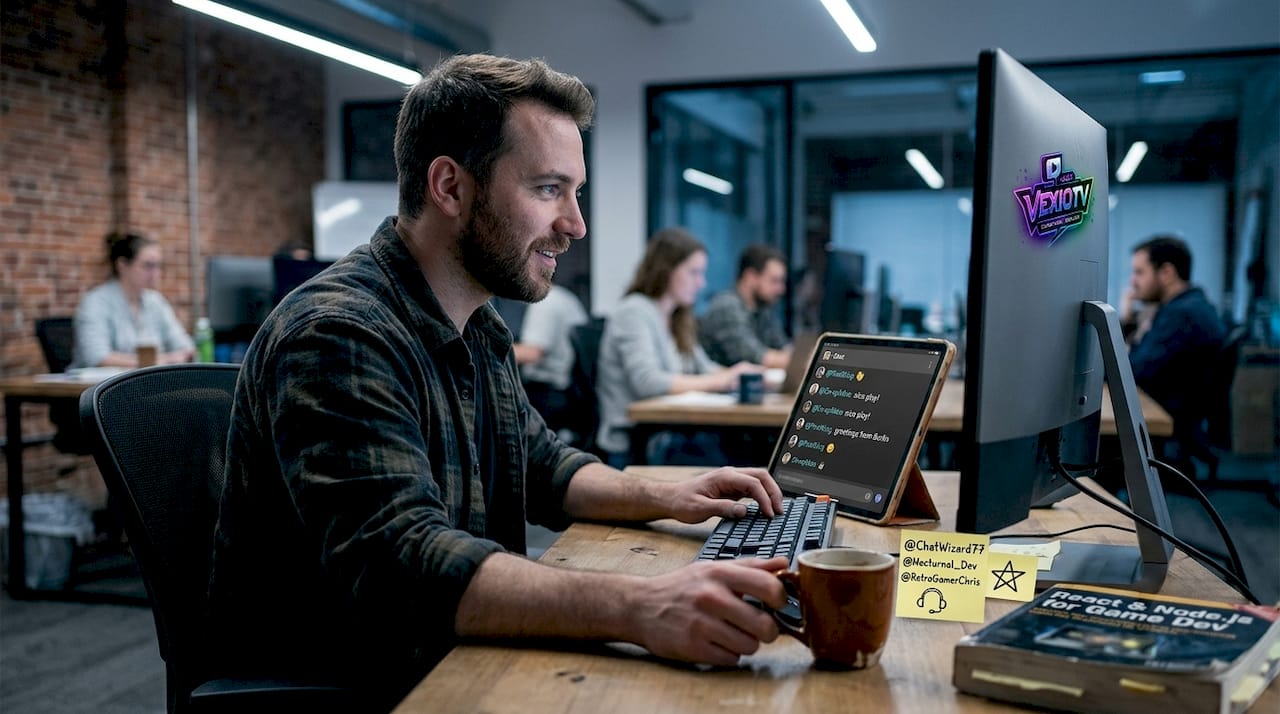
Using chat for engagement is one of the most effective tools you have. But it only works if the chat stays safe and on topic. Set up automated filters and assign moderators early. For creators doing IRL streaming, location-based risks add another layer: always be aware of what appears on camera in public spaces.
Best practices for engaging and monetizing your creative stream
Engagement and income are connected. The more your audience participates, the more likely they are to support you financially. A clear structure helps both.
Use a three-act stream structure. The hook, content, and close format works as follows: spend the first five minutes grabbing attention with something immediate (a performance clip, a bold statement, a question). Then move into your core content: teach, demonstrate, and engage in a repeating cycle. End with a direct call to action.
Top engagement boosters:
- Polls: Ask viewers to vote on what you do next.
- Live chat responses: Read names and reply directly. People stay when they feel seen.
- Guest collabs: Invite another creator to join your stream. Their audience often follows.
- Exclusive perks: Offer subscriber-only content or early access to recordings.
- Challenges and requests: Let viewers suggest topics, songs, or tasks.
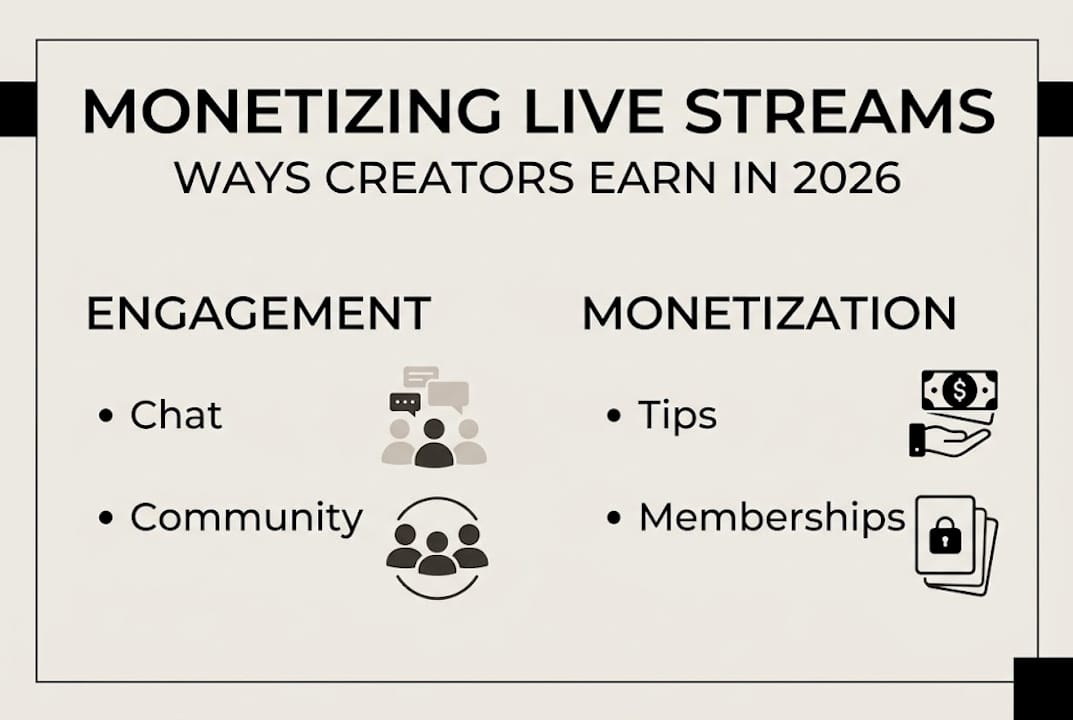
For monetization, the main channels are tips (one-time donations during the stream), memberships (recurring monthly support), affiliate links (earn a cut when viewers buy products you recommend), and sponsored content (paid partnerships with brands relevant to your niche).
Building a community is the foundation. Viewers who feel connected to you and to each other return consistently. Music streaming income strategies and live streaming communities resources offer specific tactics for turning casual viewers into paying supporters.
What most guides miss about creative live streaming
Most guides focus on gear lists and platform comparisons. Those things matter, but they are not what separates a thriving creative stream from one that fades out after a few months.
The real differentiator is trust. Specifically, the kind of trust that makes viewers feel like co-creators rather than spectators. When you ask for input, act on it, and credit the people who contributed, you shift the dynamic. Your audience stops watching and starts participating. That participation is what drives long-term loyalty.
Many creators chase quick monetization. They add tip alerts and sponsor reads before they have built any real connection. The result is often burnout or an audience that feels used. The modern streaming boom has made it easier than ever to go live, but harder than ever to stand out through promotion alone.
Experimentation and transparency build more durable growth. Tell your audience when something is new. Ask them what they want more of. Let them see you improve in real time. That is the kind of content that earns loyalty, not just views.
Ready to elevate your streaming experience?
If you are ready to move from planning to action, the right platform and resources make a real difference.
VexioTV is built for creators who want to go live without friction. Whether you are a musician, performer, or content creator, VexioTV gives you the tools to stream, engage, and earn in one place. Explore interactive stream setup tips to get your first session running smoothly, or connect with a community of creators already building their audiences on the platform. Sign up, go live, and start growing.
Frequently asked questions
What makes creative live streaming different from regular live streaming?
Creative live streaming focuses on real-time audience engagement and interactive content, like workshops and performances, rather than just broadcasting gameplay or passive events. The audience participates in the creative process, not just watches it.
Can I earn money from creative live streaming?
Yes, creators can monetize streams through tips, memberships, brand deals, affiliate links, and platform partnership programs. Building a loyal community first makes each of these income channels more effective.
What is the main risk with streaming music covers live?
Streaming music covers without the right license can result in the stream being muted or blocked due to copyright restrictions. Always secure a license or use original music to protect your stream.
Which platforms support creative live streaming?
Popular platforms include YouTube Live, Twitch, TikTok LIVE, and Instagram Live, all offering tools suited for interactive, creative content. Each has different strengths depending on your audience size and content type.