
TL;DR:
- Proper equipment and settings are crucial for high-quality, engaging live streams.
- Audience interaction and consistent scheduling enhance viewer retention and community growth.
- Avoid common mistakes like poor settings, copyright violations, and neglecting chat to maintain viewership.
Ever lost viewers mid-performance because of lag, choppy audio, or a chat that went silent? It happens to a lot of streamers, and the cause is usually a mix of technical gaps and missed engagement moments. Retaining a live audience is harder than growing one. The first five minutes of any stream can make or break your viewer count for the rest of the session. This guide covers the full picture: equipment, setup, audience tactics, and common mistakes. Follow these steps and you will run tighter, more engaging live performances across any platform.
Table of Contents
- What you need to stream live performances
- Step-by-step: Setting up your optimal live stream
- Best practices for engaging and retaining your live audience
- Common streaming mistakes and advanced troubleshooting
- A fresh take: Consistency and community matter more than viral moments
- Enhance your live streaming journey with VexioTV
- Frequently asked questions
Key Takeaways
| Point | Details |
|---|---|
| Choose the right gear | Match your tools and streaming settings to your performance style for smoother streams and fewer issues. |
| Engage intentionally | Personal responses, chat activity, and a clear schedule are key to audience retention. |
| Optimize platform strategy | Adjust stream length, hooks, and interactivity for each platform's unique audience behavior. |
| Consistency wins | Long-term growth relies more on regular, authentic streams than on luck or viral moments. |
What you need to stream live performances
Getting the right gear in place before you go live saves you from scrambling mid-stream. Start with the basics.
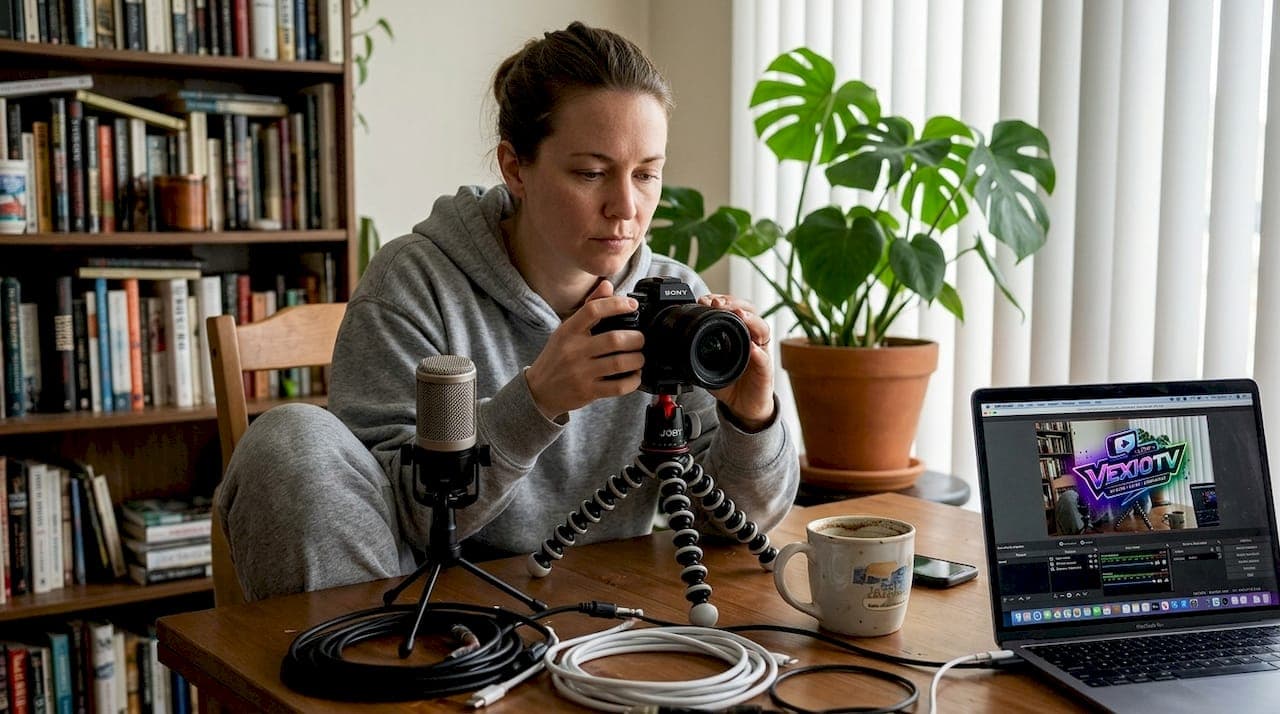
Camera: A 1080p webcam works for casual streams. For stage performances or dance, a dedicated mirrorless or DSLR camera with a capture card gives you cleaner, more stable footage.
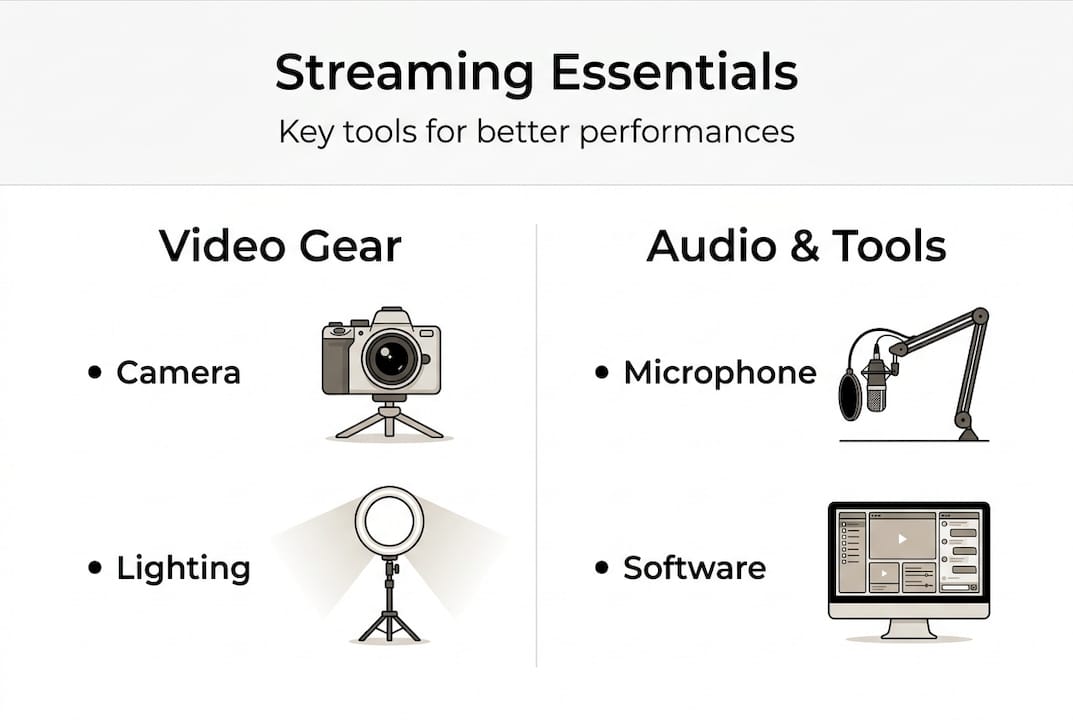
Microphone: Audio quality matters more than video quality to most viewers. Use a USB condenser mic for talk shows or music, and a dynamic mic for louder, high-energy performances.
Lighting: A simple two-point lighting setup with LED panels removes shadows and keeps your image sharp. Ring lights work for close-up content but lack depth for full-body performance streams.
Encoders and software: You have two main paths.
| Feature | Mobile/webcam setup | Encoder/OBS setup |
|---|---|---|
| Cost | Low | Medium to high |
| Setup time | Under 5 minutes | 30+ minutes |
| Output quality | 720p to 1080p | Up to 4K |
| Control | Minimal | Full |
| Best for | Casual, IRL, quick starts | Music, dance, productions |
OBS Studio is free and gives you full control over scenes, audio mixing, and bitrate settings. Built-in platform tools like YouTube Studio or TikTok Live are faster but offer fewer options.
For streaming performance content, follow streaming best practices to match your bitrate to your content type. Here is a quick reference:
- Music streams: 1080p30, 6-8 Mbps, 2s keyframe interval, AAC 320kbps audio
- Talk shows/IRL: 720p or 1080p30, 4-6 Mbps, 2s keyframe interval
- Dance/high-motion: 1080p60 at 8-12 Mbps (AVC) or 5-8 Mbps (AV1), 1s keyframe intervals, low-latency protocols like WebRTC under 500ms or LL-HLS at 2-5 seconds
Platforms differ in what they support. YouTube handles higher bitrates well. Twitch caps at 6 Mbps for most accounts. TikTok favors vertical 9:16 format. Check each platform's encoder requirements before your first stream. For broader creative live streaming tips, matching your format to the platform increases discoverability.
Step-by-step: Setting up your optimal live stream
With your streaming essentials at hand, here is how to create a high-quality live stream every time.
- Connect all hardware. Plug in your camera via capture card or USB, connect your mic, and check your lighting angle before opening any software.
- Open your encoder or streaming app. Launch OBS or your platform's native app. Add your video source and audio source. Label each scene clearly.
- Configure your settings. Set your output resolution, framerate, and bitrate based on your content type. For a live stream setup guide, encoder choice affects both quality and latency: WebRTC suits interactive formats while LL-HLS scales better for large audiences.
- Log in to your platform. Copy your stream key from your platform dashboard and paste it into your encoder's stream settings.
- Run a private test stream. Stream to a private or unlisted session for 3-5 minutes. Check your output for dropped frames, audio sync issues, and visual artifacts.
- Check your internet connection. Use a wired Ethernet connection when possible. Upload speed should be at least 1.5x your target bitrate to allow headroom.
- Go live. Start the stream, confirm your title and category are set, and open your chat window before you begin performing.
Pro Tip: For dance or high-motion content, set keyframe intervals to 1 second instead of the default 2. This reduces the visual artifact that appears after fast movement and keeps your stream looking clean on viewer screens.
| Platform | Recommended resolution | Bitrate cap | Latency mode | Ideal content length |
|---|---|---|---|---|
| YouTube | 1080p60 | 15 Mbps | Low-latency | 1-4 hours |
| Twitch | 1080p60 | 6 Mbps | Low-latency | 2-6 hours |
| TikTok | 1080p (9:16) | 6 Mbps | Ultra-low | 20-60 minutes |
Also build an interactive stream setup before you go live. Pre-loading overlays, alerts, and chat bots reduces distractions once you are performing. Know exactly which types of live streams fit your content style so your platform selection is intentional.
Best practices for engaging and retaining your live audience
After you are live, success depends on how well you connect with and hold your audience.
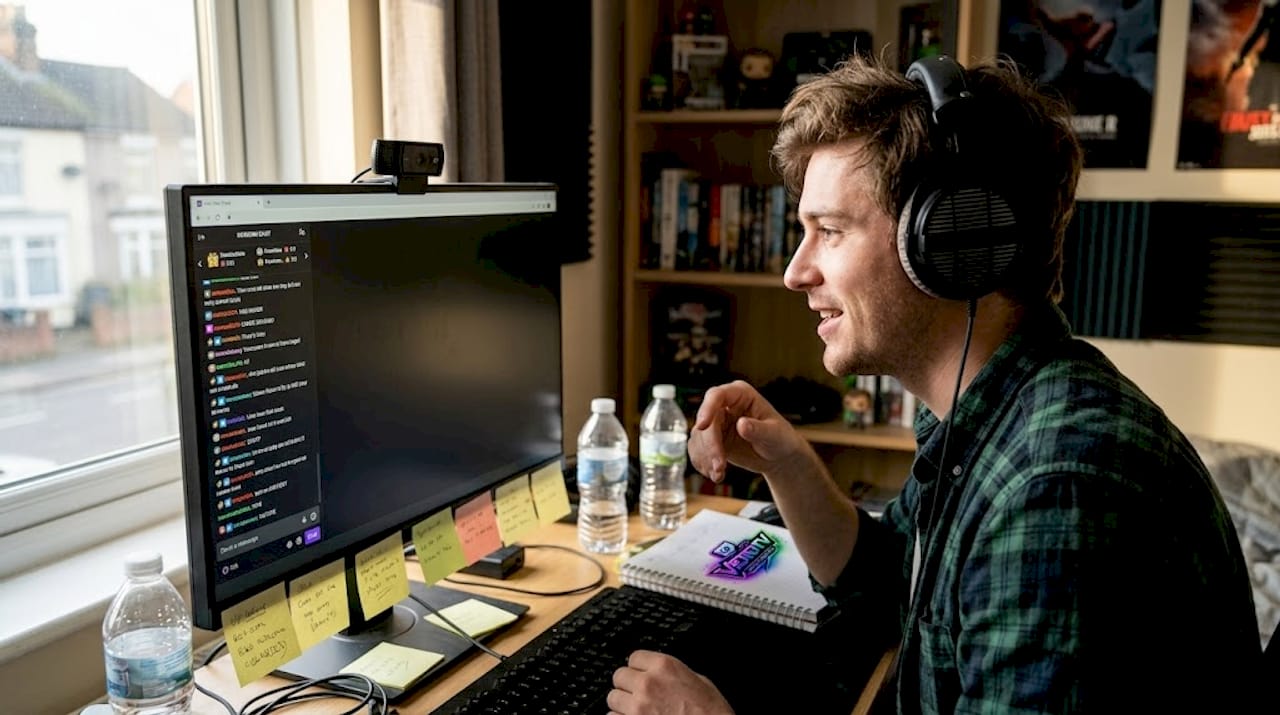
Viewer retention benchmarks matter. 40-60% retention is considered good for live streams. On Twitch, strong growth KPIs include 40-80% retention and 50-200 or more chat messages per hour. On YouTube, the first five minutes are critical for algorithm push. If viewers leave early, the platform reduces your reach.
Here are the core engagement tactics that work:
- Call viewers by name. Use names from chat when responding. It signals that real people are in the room and others will stay to be noticed.
- Ask questions every 5-10 minutes. Keep questions simple and relevant. "What song do you want next?" or "Where are you watching from?" prompt consistent chat activity and signal engagement to the platform algorithm.
- Run polls and predictions. These are built into most platforms and take seconds to set up. Use them during natural breaks in your performance.
- Give shoutouts during the stream. Acknowledge new followers, subscribers, and first-time chatters. These moments cost nothing and build loyalty fast.
- Stick to a consistent schedule. Viewers return when they know when to expect you. Twitch rewards streams of 2-6 hours. YouTube performs well at 1-4 hours. TikTok works best at 20-60 minutes.
Pro Tip: Your opening two minutes are your most important. Open with a clear hook: tell viewers exactly what they will see and why they should stay. Then take chat engagement tips into account and respond to early comments immediately. This signals to both viewers and the algorithm that your stream is active.
When chat goes quiet, do not panic. Turn it into an opportunity. Ask a direct question, start a poll, or invite viewers to share their opinion on what you just performed. Silence is a prompt, not a failure. Check more tactics for engagement for artists to build stronger community habits around your streams.
Common streaming mistakes and advanced troubleshooting
Even with best practices, streamers can stumble. Here is how to catch and fix problems before they cost you viewers.
- Ignoring streaming parameters. Many streamers go live with default settings. Default bitrates and keyframe intervals are rarely optimized for performance content. Review your settings before every stream.
- Getting copyright strikes. Playing copyrighted music in the background of a live performance can trigger automated takedowns. Use licensed music platforms or choose watch-along formats for reaction content to avoid claims.
- Using the wrong platform for your format. A 90-minute music set performs very differently on TikTok versus YouTube. Match your content type to the platform that rewards it.
- Neglecting chat. Ignoring chat signals to the algorithm and your audience that engagement is low. Assign a moderator or use a chat bot to keep things moving when you are focused on performing.
- Not repurposing content. Every live stream is also a content asset. Always repurpose to VOD or short clips after the stream ends. Platforms like YouTube reward this with additional reach through Shorts and search indexing.
Copyright warning: Never play full copyrighted tracks during a live performance stream without a license. Watch-along formats, where you react to content rather than broadcast it, are a safer approach for music or film-related content. Always read the platform's music policy before going live.
For technical issues, start with your local network. Most lag and packet loss come from an unstable upload connection. Use a wired connection and run a speed test before going live. For global audiences, edge computing and CDN optimization reduce latency at scale. These are typically handled at the platform level, but choosing a platform with strong CDN infrastructure matters when you expect large or geographically spread audiences.
On stream length: ending at the right time helps your metrics. Longer sessions help on YouTube and Twitch by increasing total watch time. Short, focused sessions work better on TikTok for discovery. Learn more about common streamer mistakes and refine your platform growth strategies over time.
A fresh take: Consistency and community matter more than viral moments
Here is something most streaming guides skip: viral clips are rare and unpredictable. Building a real audience is not about hitting one big moment. It is about showing up regularly and giving your community a reason to return.
Tech upgrades help, but they do not replace presence. A streamer with a $100 webcam and a tight, consistent schedule will outperform someone with a full production rig who goes live once a month. Consistency over viral moments is the single clearest indicator of sustainable streaming growth.
Adapt your content length and format to the platform, but never at the cost of genuine interaction. Chasing trends can pull you away from the audience that already supports you. The streamers who grow steadily are the ones building a streaming community around honest, regular engagement rather than algorithm tricks.
Repurpose your streams, optimize your settings, and track your retention metrics. But above all, treat your live audience as a community, not a view count.
Enhance your live streaming journey with VexioTV
Ready to put this guide into action? VexioTV gives you a direct path from setup to going live, with one-click streaming and a platform built for entertainment creators.
Whether you stream music, dance, gaming, or IRL content, VexioTV streaming tools are designed to help you start fast and grow your audience without technical friction. The platform supports community building and creator monetization from day one. Explore more strategies to grow your live audience and take the next step in your streaming journey with a platform that is built around live performance creators.
Frequently asked questions
What are the best streaming settings for high-motion performances?
Use 1080p60 at 8-12 Mbps (AVC) or 5-8 Mbps (AV1), set keyframe intervals to 1 second, and use low-latency protocols like WebRTC or LL-HLS for smooth, clean playback.
How long should I stream to maximize viewer retention?
Stream 2-6 hours on Twitch, 1-4 hours on YouTube, and 20-60 minutes on TikTok. Longer sessions on YouTube and Twitch build algorithm watch time while shorter TikTok streams drive discovery.
What are quick wins for increasing engagement during streams?
Call viewers by name, ask questions every 5-10 minutes, and run polls during breaks. A consistent stream schedule also trains your audience to return regularly.
How can I avoid copyright issues during live performances?
Use licensed music and choose watch-along formats for reaction content. Always review your platform's music policy before going live to avoid automated takedowns.