
TL;DR:
- The gaming live streaming market is projected to grow to 13.85 billion dollars by 2030. Successful streaming requires technical setup, audience engagement, consistent scheduling, and content repurposing. Building a long-term community relies on authenticity, regular streams, and avoiding burnout rather than just focusing on gear or platform choice.
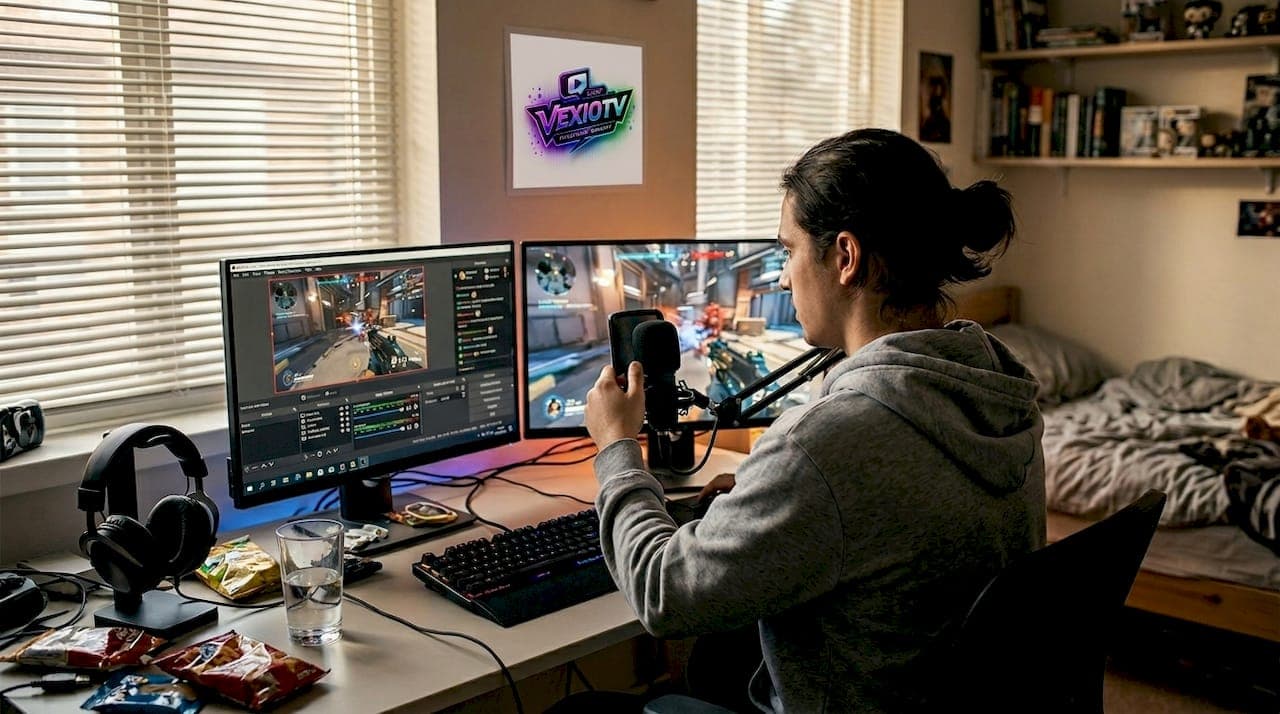
The gaming live streaming market reached $7.43B in 2025 and is projected to hit $13.85B by 2030. That number alone signals that streaming is far more than a hobby. Behind every broadcast is a layered technical process, a community strategy, and a monetization model working together. Most people assume streaming is just pressing record and talking. It is not. Real-time encoding, platform algorithms, audience engagement loops, and post-stream workflows all determine whether a channel grows or stalls. This article breaks down how gaming live streams actually work, which platforms to use, how to grow an audience, and how to turn a stream into a sustainable content operation.
Table of Contents
- How gaming live streams actually work
- Choosing platforms and engaging an audience
- Scheduling, analytics, and growth tactics
- Monetization, repurposing, and advanced techniques
- What most creators miss about successful live streams
- Take your next step with gaming live streams
- Frequently asked questions
Key Takeaways
| Point | Details |
|---|---|
| Streaming tech essentials | Streaming requires mastering capture, encoding, and platform distribution for quality broadcasts. |
| Platform engagement differences | Choosing the right platform and smart engagement strategies can boost watch times and follower growth. |
| Consistency grows viewership | Stream schedules and regular audience interactions double average viewers and retention rates. |
| Monetization and content repurposing | Streams offer revenue potential through subs, ads, sponsors, and evergreen content highlights. |
| Avoid common pitfalls | Address technical issues, fight burnout, and use analytics to optimize both content and community. |
How gaming live streams actually work
Every gaming live stream starts with three core steps: capture, encode, and transmit. Your game, webcam, and microphone audio are all captured by software on your PC. That software compresses the raw footage into a format platforms can receive. Then it sends that data over the internet to a streaming platform in real time.
The most widely used tool for this is OBS Studio. It is free, open source, and handles everything from scene switching to audio mixing. Inside OBS, you add a stream key, which is a unique code from your chosen platform that tells the software where to send your broadcast. Encoding gameplay and webcam happens in H.264 format at 4,500 to 6,000 kbps for 1080p output, transmitted via the RTMP protocol.
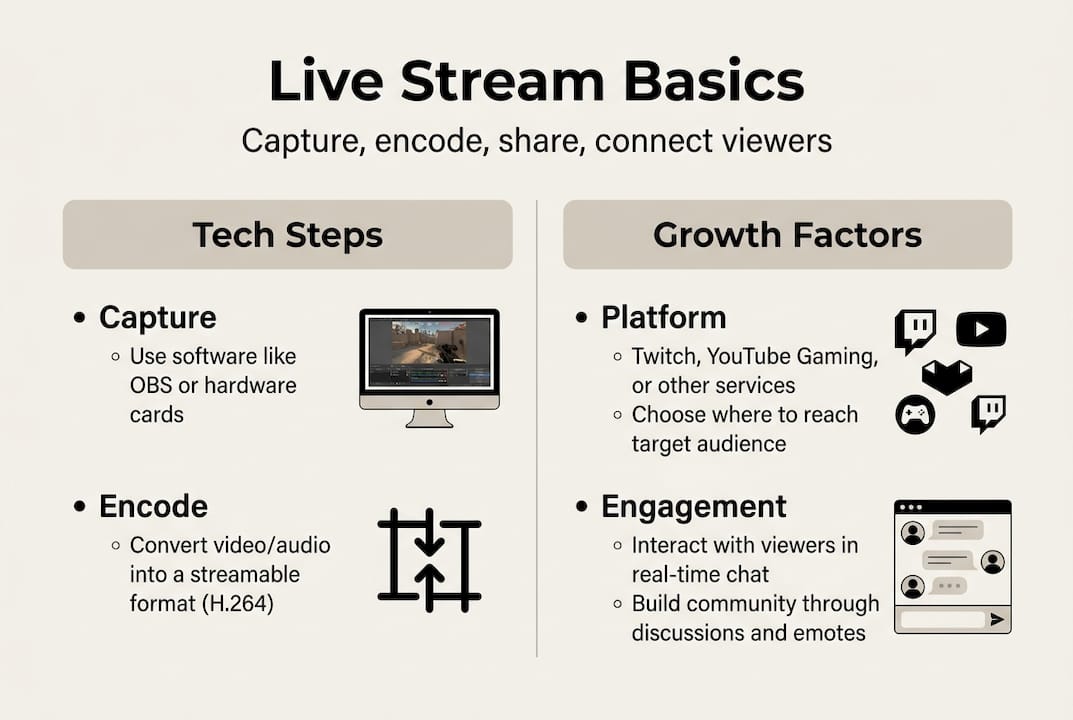
Once your stream reaches the platform's ingest server, it gets transcoded. Transcoding converts your single high-quality feed into multiple quality options, like 1080p, 720p, and 480p, so viewers with slower connections can still watch without buffering. This is called adaptive bitrate streaming.
Here is a quick reference for key stream settings:
| Setting | Recommended value | Notes |
|---|---|---|
| Resolution | 1080p or 720p | 720p works well for most setups |
| Bitrate | 4,500 to 6,000 kbps | Higher = better quality, more bandwidth |
| Encoder | NVENC or x264 | NVENC uses GPU, reduces CPU load |
| Frame rate | 60fps | 30fps acceptable for slower games |
| Latency mode | Low latency | Enables faster chat interaction |
Common causes of choppy streams include high CPU usage, unstable upload speeds, and incorrect encoder settings. Switching from x264 software encoding to NVENC hardware encoding can cut CPU load significantly. You can also explore starting live streaming with a step-by-step setup guide to avoid the most common early mistakes.
For those building out a full gaming streamer setup, having a stable wired internet connection with at least 10 Mbps upload speed is non-negotiable. Wi-Fi introduces packet loss that causes dropped frames, which viewers notice immediately.
- Use wired ethernet instead of Wi-Fi
- Set OBS to use NVENC if you have an NVIDIA GPU
- Test your stream at 720p60 before scaling to 1080p
- Monitor dropped frames in OBS stats panel during test streams
- Keep background applications closed to free up CPU and RAM
Choosing platforms and engaging an audience
With an understanding of the technical backbone, the next step is picking the right platform and building strategies to keep viewers watching.
Not all platforms serve the same audience. Twitch led in total hours watched but saw a 10% year-over-year decline, while YouTube Gaming grew by 29%. TikTok and Kick are also pulling significant audiences, especially in mobile and casual gaming categories.
| Platform | Best content type | Audience fit | Key strength |
|---|---|---|---|
| Twitch | FPS, esports, long-form | Core gamers | Chat culture, subscriptions |
| YouTube Gaming | RPGs, tutorials, VODs | Broad gaming fans | Search discoverability |
| TikTok | Highlights, mobile games | Younger, casual | Short-form virality |
| Kick | Variety, IRL, niche | Alternative streamers | Higher revenue share |
For platform growth insights, the data consistently shows that matching your content style to the platform's strengths matters more than just picking the biggest name.
Engagement is what separates channels that plateau from those that grow. Polls, predictions, and structured chat interactions keep viewers involved. Viewers who participate in a prediction contest or answer a poll stay on stream longer. Interactive features like these can extend average watch time by 15 to 20%.
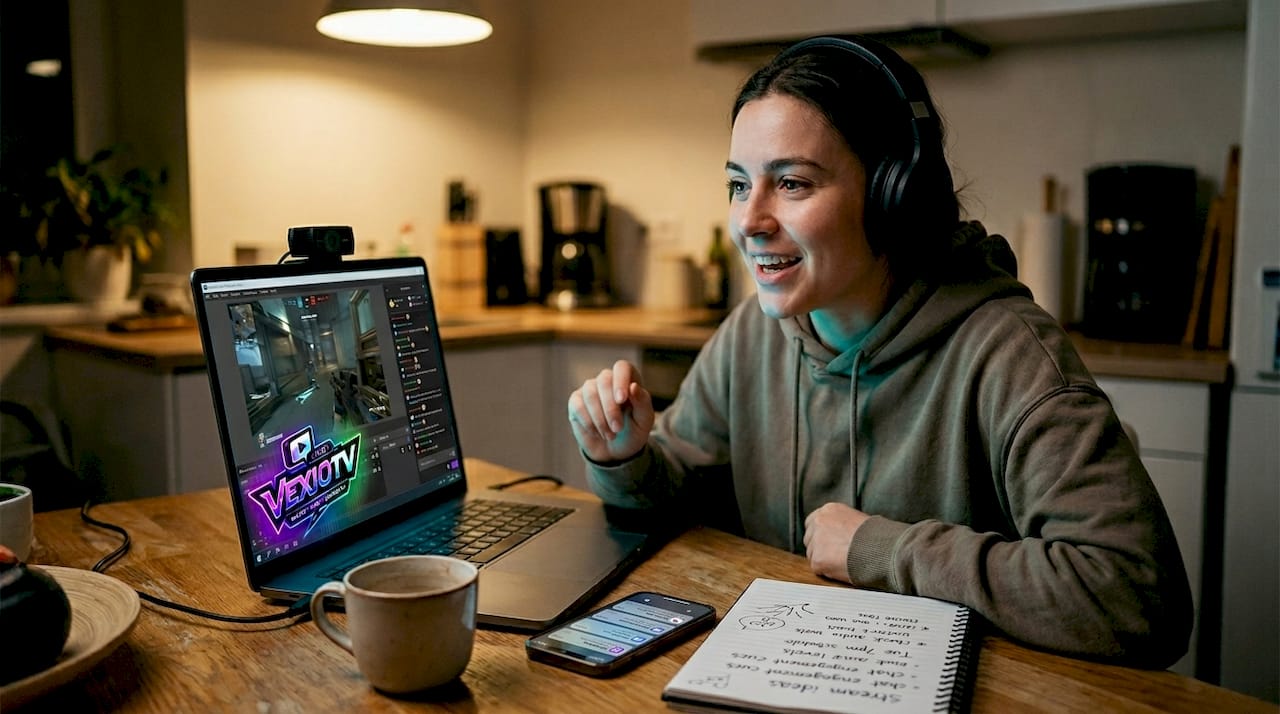
Different streaming genres also perform differently across platforms. Competitive FPS games like Valorant or CS2 perform well on Twitch. Story-driven RPGs and tutorial content do better on YouTube where viewers search for specific games. Mobile gaming content gets strong traction on TikTok.
Pro Tip: Use a hybrid content approach. Stream on Twitch or YouTube live, then clip highlights for TikTok or YouTube Shorts. One stream session can generate five to ten pieces of short-form content.
- Ask chat a question every 10 to 15 minutes to reset engagement
- Run prediction contests during high-stakes game moments
- Use polls between matches or loading screens
- Acknowledge new followers and subscribers by name
- Post a consistent streaming schedule in your channel bio
Scheduling, analytics, and growth tactics
Once you have chosen your platform and engagement strategies, consistent scheduling and data review are what drive real growth.
Consistent stream schedules of 3 to 5 slots per week doubled average viewers for many creators, and weekly analytics reviews unlock retention insights that are hard to find any other way. Viewers return when they know when to expect you. Irregular streaming makes it difficult for an audience to form habits around your content.
A sample weekly schedule that balances variety and consistency:
- Monday: Ranked competitive session, 2 to 3 hours
- Wednesday: Co-op or multiplayer with community members, 2 hours
- Friday: Open community slot, viewer game requests or challenges
- Saturday: Long-form session, new game release or special event
- Sunday: Short stream, recap and highlight review with chat
Engagement loops are structured moments built into each stream to keep chat active. Ask a question every 10 minutes. Run a prediction at a key story or match moment. These small actions keep viewers from tabbing out.
For interactive stream setups, integrating tools like Streamlabs alerts or channel point redemptions adds another layer of viewer participation without requiring manual effort each session.
Pro Tip: Review your VOD after every stream. Find the moment viewers dropped off and ask what changed at that point. Was it a slow game section? A long pause? Fix that one thing before the next stream.
Analytics to track weekly:
- Average concurrent viewers (ACV)
- Peak viewer count and when it occurred
- Chat messages per minute during different segments
- Clip views and shares from the session
- Follower gain rate per stream
Burnout is a real risk. Streams longer than 4 to 5 hours show diminishing returns in both quality and viewer retention. Following streaming best practices around session length and rest days keeps performance consistent long term.
Monetization, repurposing, and advanced techniques
With strong growth tactics in place, maximizing returns and content impact is where advanced streamers pull ahead.
Monetization on most platforms runs through subscriptions, bits or tips, ad revenue, and sponsorships. Revenue splits vary. Twitch affiliates earn 50% of subscription revenue. YouTube gives 70% of Super Chat revenue to creators. Sponsorships can range from $50,000 to $200,000 per hour for top-tier streamers, though most mid-tier creators see smaller but still meaningful deals.
Polls and prediction contests boost watch time significantly, with 73% retention past 90 minutes compared to 48% for streams without interactive elements. Watch time also grows with 24/7 stream setups and dual-PC configurations.
| Monetization method | Revenue split | Notes |
|---|---|---|
| Subscriptions | 50% to 70% | Recurring monthly income |
| Bits/Super Chat | 70% to 100% | One-time viewer tips |
| Ad revenue | 45% to 55% | CPM varies by game category |
| Sponsorships | 100% to creator | Negotiated per deal |
Content repurposing extends the value of every stream. Export VODs to YouTube for search traffic. Cut 30 to 60 second highlights for TikTok and YouTube Shorts. Use clip tools inside Twitch or YouTube to save key moments during the live session itself.
Advanced technical upgrades worth considering:
- Dual-PC setup: One PC runs the game, one handles encoding. This removes CPU bottleneck entirely.
- Replay buffer: Saves the last 30 to 90 seconds of footage automatically, so you never miss a highlight.
- AI chat co-hosts: Automated bots can answer FAQs and moderate chat, but human interaction still outperforms them for retention.
The esports streaming market continues to grow, and YouTube's VOD ecosystem remains one of the strongest long-term growth channels for gaming content.
Pro Tip: Set up a replay buffer in OBS before every session. It runs silently in the background and lets you save highlight clips instantly without interrupting the live stream.
Avoid viewbotting at all costs. Platforms detect artificial viewer inflation and will ban accounts permanently. Real growth takes longer but it is the only kind that lasts.
For a full breakdown of monetizing live streams, including how to pitch sponsors and structure subscription tiers, there are dedicated resources that go deeper than this overview can.
What most creators miss about successful live streams
Most guides focus on gear and platform choice. Those matter, but they are not what separates channels that grow from those that stall.
Success hinges on post-stream workflow, including clips, VOD optimization, and analytics-driven pivots. Consistency outperforms hype-chasing every time. A creator who streams three times a week for a year will almost always outperform one who streams daily for a month and then burns out.
Human chemistry in streams also matters more than any tool. Viewers follow people, not setups. An AI chat co-host can handle moderation, but it cannot replace the genuine reaction, the shared frustration after a tough match, or the inside joke that makes a community feel like a group of friends.
Burnout prevention is not optional. It is a strategy. Treating streaming as a long-term operation, with rest days, session limits, and scheduled off weeks, is what keeps creators active for years instead of months.
Understanding streaming culture transformation helps put this in context. The creators who built lasting communities did not do it through one viral moment. They did it through hundreds of consistent, quality sessions.
Take your next step with gaming live streams
Ready to put this into practice? VexioTV gives creators a direct path to going live, building a community, and earning from their streams, all in one place.
Explore VexioTV to see how the platform supports gaming streamers at every level, from first broadcast to full-time content operation. You can also read more about live streaming communities and how they form, grow, and sustain themselves over time. Whether you are setting up your first stream or looking to scale an existing channel, VexioTV offers the tools and resources to move forward.
Frequently asked questions
What software do gamers use for live streaming?
Most creators use OBS Studio or similar software to capture and encode gameplay before broadcasting to platforms like Twitch or YouTube. It is free, widely supported, and handles most streaming needs out of the box.
How do you avoid laggy or choppy game streams?
Switch to NVENC encoding, lower resolution to 720p60 at 4,500 kbps, and consider dual-PC setups for smoother streams. A wired internet connection also removes the packet loss that Wi-Fi introduces.
What's the best way to grow your audience in gaming live streams?
Fixed schedules and engagement loops, like polls or chat questions every 10 minutes, are proven to drive higher retention and double average viewer counts over time.
Which platforms are best for gaming live streams?
Twitch is strong for FPS and esports, YouTube works best for repurposed VODs and search traffic, and TikTok and Kick are growing fast through mobile streaming and alternative creator communities.