
TL;DR:
- Live streaming exposes creators to risks like doxxing, hacking, and harassment, requiring proactive safety measures. Implementing strong account security, avoiding accidental leaks, and enforcing community moderation are essential to protect one's privacy and online presence. Ongoing vigilance, proper permission management, and a comprehensive offline safety plan help streamers stay secure as their audiences grow.
Live streaming puts you in front of hundreds or thousands of viewers at once. That visibility creates real risks: doxxing, account hacks, and harassment raids are among the top threats streamers face today, and they affect creators at every level. Whether you stream gaming sessions, music performances, or IRL content on platforms like VexioTV, the same core threats apply. This article covers actionable safety steps for securing your accounts, protecting your privacy during broadcasts, managing your community, and staying safe offline.
Table of Contents
- Account security essentials: Fortifying your streaming identity
- Protecting your privacy live: Avoiding accidental leaks
- Moderation tactics: Guarding your chat and community
- Physical safety and real-world events: Staying secure offline
- Permission review: Controlling app and channel access
- A creator's perspective: The real challenge of streaming safely
- Take your streaming safety to the next level with VexioTV
- Frequently asked questions
Key Takeaways
| Point | Details |
|---|---|
| Activate 2FA everywhere | Two-factor authentication is non-negotiable for protecting your streaming accounts. |
| Minimize personal data leaks | Always scan your environment and never share sensitive info on live streams. |
| Moderation prevents harassment | Appoint trusted moderators and leverage platform tools to keep your chat safe. |
| Maintain offline safety | Inform contacts and build a support network when attending real-world events. |
| Check channel permissions | Regularly review apps and access permissions to block unauthorized entry. |
Account security essentials: Fortifying your streaming identity
Strong account security is the foundation of safe streaming. Without it, everything else you build can be taken from you quickly. Start here before going live.
Key steps to lock down your streaming accounts:
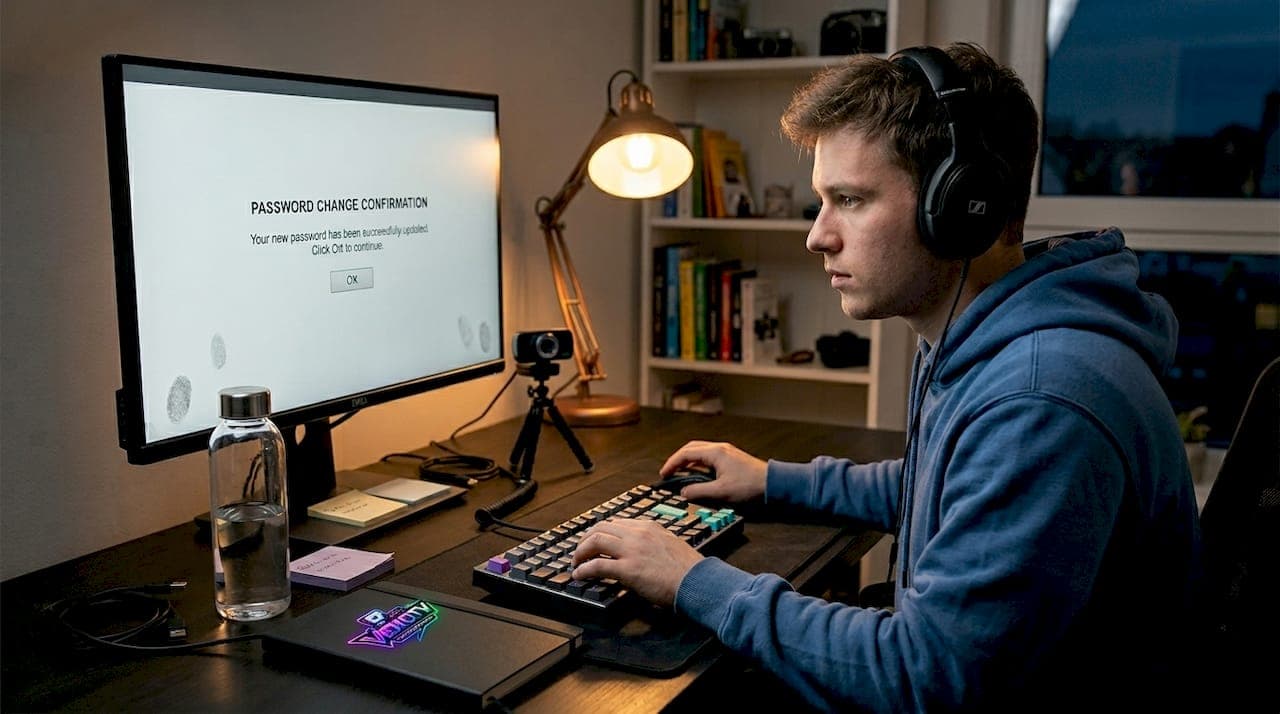
- Enable two-factor authentication (2FA) on every platform. Two-factor authentication on all streaming accounts prevents unauthorized access even if your password is compromised. Use an authenticator app rather than SMS when possible. SMS codes can be intercepted through SIM-swapping attacks.
- Use a VPN while streaming. A VPN masks your IP address and protects location data. This is especially important on public networks like those at cafes, hotels, or convention centers. Without a VPN, anyone with basic tools can pinpoint your general location from your stream.
- Create separate accounts for your streaming identity. Separate accounts and emails for your streaming persona keep your personal life and public presence compartmentalized. If your streaming account is targeted, attackers cannot easily trace it back to your real identity.
- Use a password manager. Unique, complex passwords for every platform are non-negotiable. A password manager removes the temptation to reuse passwords across accounts.
- Set up account recovery options carefully. Use a streaming-dedicated email for recovery, not your personal one.
Pro Tip: Change account passwords every three months and audit your active login sessions regularly. Most platforms show you where your account is currently logged in. Remove any sessions you do not recognize immediately.
Strong account practices also give you a better starting point as you grow. If you are just setting up your channel, review these streamer launch tips to build good habits from day one.
One important fact: attackers often gain access not through brute force but through phishing emails or data breaches from unrelated sites. This means even a strong password can fail if it was reused from a breached service. Using a unique password per account is not optional. It is a core security requirement.
Protecting your privacy live: Avoiding accidental leaks
Securing your accounts is only part of the equation. What you show in your stream is equally critical. Accidental leaks happen to experienced streamers all the time, often without them realizing it until after the broadcast.
Follow these steps before every stream to reduce exposure:
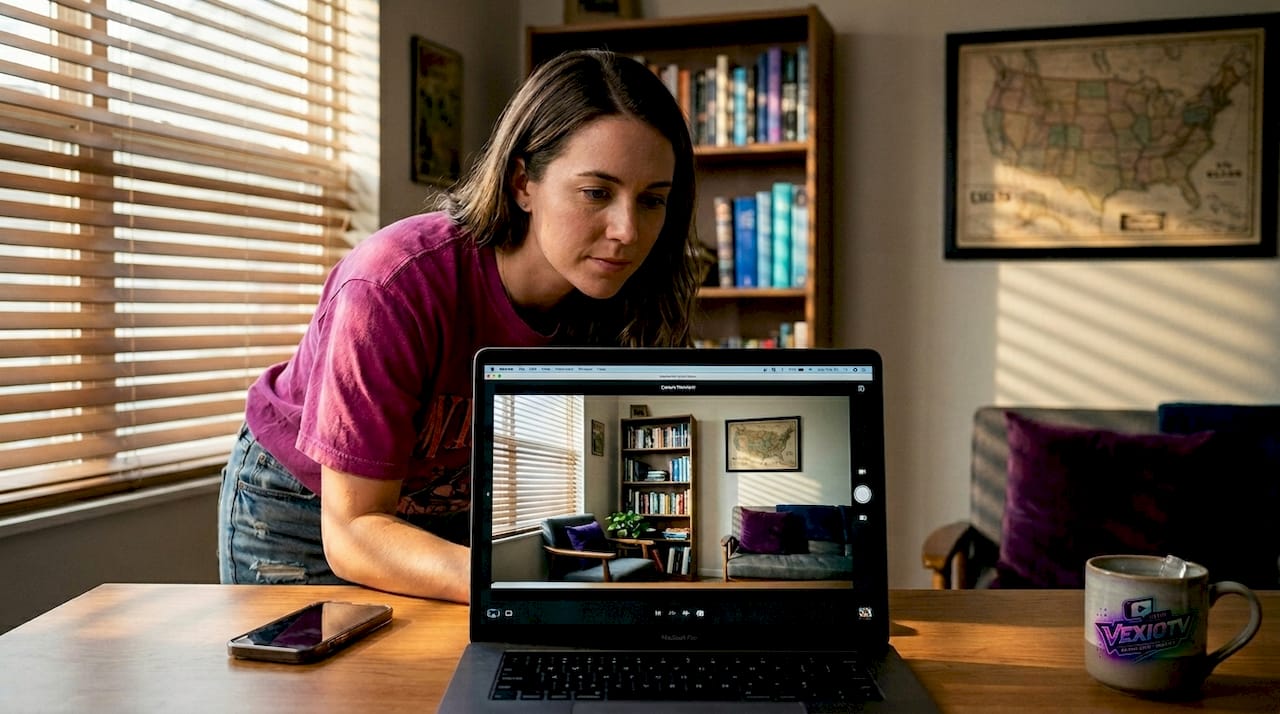
- Audit your background. Check for mail, documents, whiteboards, or photos that could reveal your location or name. Reflections in glasses, monitors, and windows have also been used to identify streamers' real-world addresses.
- Disable notifications on all devices. Phone and desktop notifications can pop up mid-stream and expose personal details such as full names, contact information, or private messages.
- Check what is open on your screen. Browser tabs, file managers, and email clients can appear during screen-sharing moments. Close everything not related to the stream.
- Use a dedicated stream layout with overlays. Overlays can block sensitive screen areas and keep your personal desktop out of frame.
- Run a test recording before going live. Play back 60 seconds of the recording at full resolution. Look for anything that should not be visible.
"Avoid sharing personal information such as real name, address, phone number, or location in streams, profiles, or chats." This applies to in-stream conversations too. Casual small talk can reveal your city, neighborhood, or daily routine without you noticing.
Pro Tip: Use overlays to cover sensitive areas of your screen and always run a short test recording before going live. What looks clear on your monitor can look very different to viewers on a large screen.
Accidental doxxing is one of the fastest ways to create a serious safety problem. Even a single on-screen address or a window showing a recognizable landmark can be used to track your physical location. Reviewing common avoiding streamer mistakes helps you catch these blind spots early.
Moderation tactics: Guarding your chat and community
Once your privacy is shielded, focus shifts to protecting your community. A poorly moderated chat can drive away loyal viewers, damage your reputation, and create a hostile space within minutes.
Core moderation steps every streamer should take:
- Appoint moderators you trust. Volunteer mods from your community can monitor chat in real time. One moderator per 200 to 300 concurrent viewers is a reasonable starting ratio.
- Enable AutoMod and keyword filters. Most major platforms let you set up AutoMod and chat filters to automatically block slurs, spam, and known harasser patterns.
- Activate follower-only or subscriber-only chat modes. This limits participation to people who have a stake in your channel. It dramatically reduces coordinated harassment raids.
- Set slow mode during peak viewership. Slowing the chat rate helps mods read and act on messages more effectively.
- Use ban lists and shared block lists. If another streamer in your network was recently raided, request their ban list. Shared block lists are a practical early-warning system.
Here is a quick comparison of how major platforms handle chat protection:
| Feature | Twitch | YouTube Live | VexioTV |
|---|---|---|---|
| AutoMod / keyword filters | Yes | Yes | Yes |
| Follower-only mode | Yes | Yes | Yes |
| Sub-only mode | Yes | Yes | Yes |
| Trusted moderator roles | Yes | Yes | Yes |
| Shared ban lists | Community tools | Limited | Platform tools |
Moderation is not a set-and-forget task. Chat attack patterns change. New spam bots emerge. Harassers adapt their methods. Review your live streaming moderation approach regularly, and check your streaming quality tips to ensure your overall broadcast environment stays healthy.
Pro Tip: Rotate moderators and review chat logs weekly. Fresh eyes catch patterns that a single long-term mod might miss. New spam or harassment tactics often show up before they become major incidents.
For gaming streams in particular, coordinated harassment during peak gameplay moments is common. A solid gaming stream workflow includes built-in moderation checkpoints so you are not managing chat alone during critical stream moments.
Physical safety and real-world events: Staying secure offline
The streaming world does not end at the screen. Off-platform events pose their own safety considerations, and many streamers underestimate them.
Basic safety steps for real-world streaming events:
- Inform a trusted contact of all event details. Share the venue, schedule, and expected return time with someone who is not attending. This applies to conventions, meetups, sponsor events, and live IRL streams.
- Watch for stalking behaviors. If the same person appears near you at multiple events or in locations tied to your content, take it seriously. Document the incidents.
- Avoid announcing event attendance in advance on social media. Telling 10,000 followers you will be at a specific location on a specific date is a significant risk. Announce attendance after the event or use vague language.
- Carry identification and event credentials. Venues with security staff can assist if an incident occurs, but only if you can verify your identity and presence.
- Have an exit plan. Know where the exits are, identify security staff, and have a meet-up point arranged with anyone you are attending with.
| Platform | Incident reporting method | Average response time |
|---|---|---|
| Twitch | Safety center + email | 24 to 72 hours |
| YouTube | In-app report + support ticket | 24 to 48 hours |
| VexioTV | Platform report + support | Platform-dependent |
Swatting and physical threats require documentation and immediate escalation to both platform support and local law enforcement. Do not rely solely on platform response times in these situations. Contact law enforcement directly and simultaneously.
Pro Tip: Before every real-world streaming event, prepare a short safety checklist. Include emergency contacts, venue address, local non-emergency police number, and a scheduled check-in time with someone you trust.
Permission review: Controlling app and channel access
To finish, true stream safety requires ongoing vigilance over who and what is connected to your channel. Many streamers grant third-party apps access early in their setup and never revisit those permissions.
Steps to audit your app and channel permissions:
- List every connected third-party app. Go into your platform settings and check the authorized applications section. Most streamers are surprised by how many apps still have access from months or years ago.
- Revoke access for unused tools. If you no longer use an overlay tool, alert bot, or analytics app, revoke its access immediately. Old integrations can be a security vulnerability if that third-party service is ever compromised.
- Limit channel editor and manager roles. Only give channel access to collaborators actively working on current content.
- Check OAuth permissions carefully. Some apps request broader access than they need. If an app requests permission to post on your behalf or access your private data, verify it is necessary before approving.
Additional best practices for permission management:
- Document every app and tool you authorize and when you did it.
- Keep a running list of collaborators with channel access.
- When a collaboration ends, remove that person's access immediately.
- Check email-linked accounts for auto-login access that could bypass your main password.
Pro Tip: Schedule a monthly permissions review on the first day of each month. Treat it like a routine task. Set a calendar reminder and block 15 minutes to go through all connected apps and channel roles.
For streamers building out a more interactive experience, review your interactive stream setup to ensure engagement tools are not inadvertently creating access gaps.
A creator's perspective: The real challenge of streaming safely
Most safety guides treat security as a checklist. Complete the list once, then move on. That approach misses the core reality of streaming safety: it is not static. Threats evolve, platforms update their tools, and your own circumstances change as your audience grows.
New streamers typically focus on gear, content, and growth. Safety feels abstract at first, especially when your channel is small. The uncomfortable truth is that smaller channels are not low-risk. They are targeted for different reasons, including ease of access and lower platform scrutiny.
The psychological impact of harassment is often underestimated too. A single coordinated raid or doxxing incident can push a creator off a platform entirely. Burnout from sustained harassment is real and well-documented. Treating safety as an ongoing process rather than a one-time setup is not over-caution. It is practical.
Document every incident. Even minor ones. Save screenshots, timestamps, usernames, and message content. Swatting and physical threats require that documentation to be actionable with both platforms and law enforcement. Without records, reports are harder to act on.
Platforms vary significantly in how quickly and effectively they respond to creator safety incidents. Some have dedicated trust and safety teams with fast escalation paths. Others rely heavily on automated systems that miss nuanced cases. Knowing the response capabilities of each platform you use is part of your safety strategy. Understand that you cannot always rely on a platform to act quickly. Build your own response plan.
The community you build and the streaming culture impact you create depend on your ability to keep streaming consistently. That requires treating safety as an active, evolving practice.
Pro Tip: Start a private safety log today. Record every incident, no matter how small. Review it monthly. Patterns often appear before major incidents escalate.
Take your streaming safety to the next level with VexioTV
Safety-conscious streamers need a platform that supports their goals without adding friction. VexioTV is built for creators across gaming, music, IRL, and creative content genres. It offers moderation tools, community management features, and a straightforward path to monetization.
Whether you are setting up your first stream or refining an established channel, VexioTV provides the tools to broadcast with confidence. The platform supports privacy controls, trusted moderator roles, and real-time community management so you can focus on your content. Explore VexioTV's resources and sign up at VexioTV to start building a safer, more connected streaming channel today.
Frequently asked questions
What steps should I take if I suspect my streaming account is hacked?
Immediately enable 2FA, reset all passwords, revoke third-party app access, and report the incident to platform support. Acting within the first hour limits how much damage can be done.
How can I prevent accidental doxxing during live streams?
Always check your stream background for visible personal details, disable all notifications on connected devices, and run a test recording before going live to catch anything you may have missed.
What's the best way to deal with harassment raids in chat?
Activate AutoMod and chat filters, switch to follower-only or subscriber-only mode during active raids, and have moderators review logs afterward to update ban lists and keyword filters.
How do I safely attend streamer meetups or conventions?
Inform trusted contacts of event details beforehand, prepare a safety checklist, carry identification, and stay aware of anyone who seems to be tracking your movements at the event.
Should I use separate social media accounts for streaming?
Yes. Separate streaming accounts make it significantly harder for bad actors to connect your public streaming persona to your personal information, reducing your exposure to targeted harassment and doxxing attempts.