
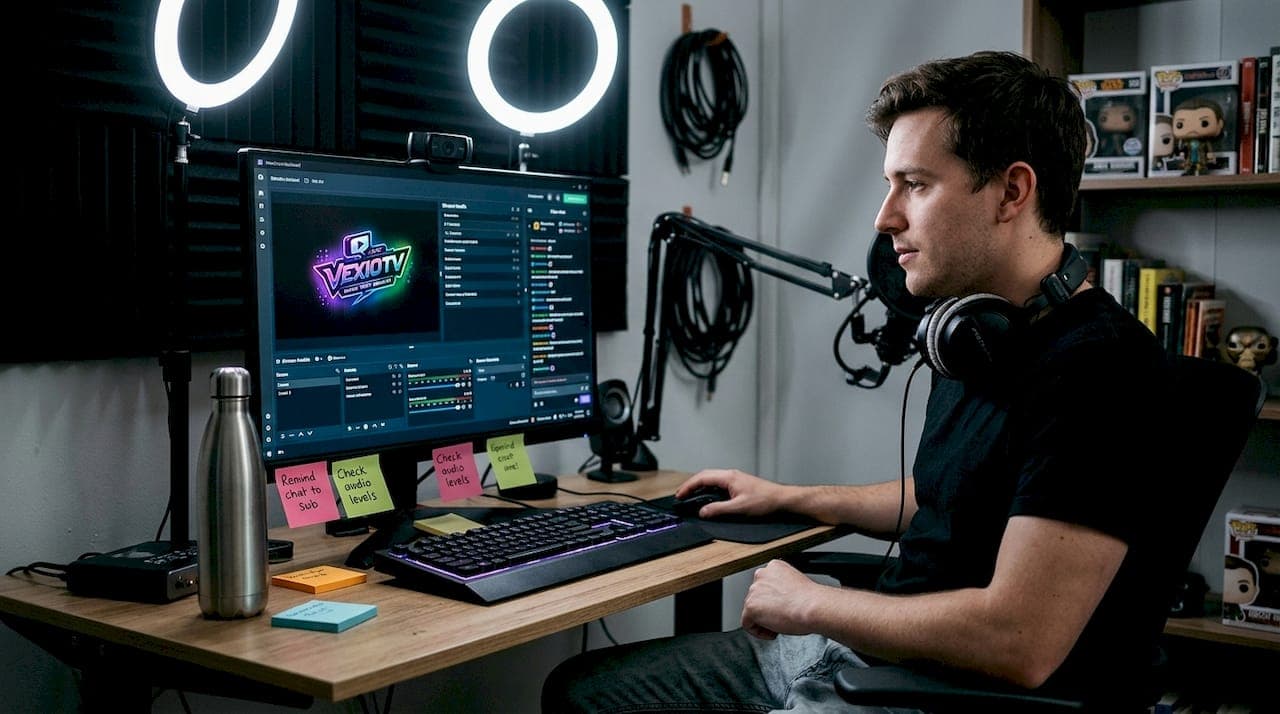
TL;DR:
- Streaming hubs unify live streams, VODs, audience tools, and analytics in one centralized platform, simplifying content management. They automatically handle stream quality, distribution, and engagement features, reducing operational complexity for creators. This trend drives adoption because it enhances efficiency, scalability, and viewer experience across multiple platforms and content types.
Managing your content across five different platforms, tracking analytics in three separate tabs, and responding to chat in real time sounds exhausting. That's the reality for many creators who try to grow their presence without a central system in place. Streaming hubs exist to solve exactly this problem. They bring your live streams, video library, audience tools, and performance data into one place. This guide covers what a streaming hub is, how it works, what features it offers, and why more creators are moving to this model in 2026.
Table of Contents
- Defining a streaming hub: More than just a platform
- How streaming hubs work: Behind the scenes
- Popular features of modern streaming hubs
- Why aggregation hubs are trending
- The real advantage: What most creators miss about streaming hubs
- Ready to centralize your streaming? Explore your next steps
- Frequently asked questions
Key Takeaways
| Point | Details |
|---|---|
| Centralized management | Streaming hubs let you control all your content and streams from one location for greater efficiency. |
| Enhanced engagement features | Interactive tools like chat, polls, and analytics help you connect and grow your audience. |
| Cloud-based flexibility | Modern hubs use cloud technology to offload hardware demands and enable multistreaming across platforms. |
| Popular adoption | Over half of streaming audiences now use aggregation hubs, reflecting industry-wide momentum. |
Defining a streaming hub: More than just a platform
Many creators assume a streaming hub is just another name for a platform like Twitch or YouTube. It's not. A streaming hub is a fundamentally different concept.
A streaming hub is a centralized platform or service that unifies live streaming, video hosting, on-demand content, and interactive tools for content creators, allowing management from one dashboard.
That single definition separates a streaming hub from a traditional streaming service. Traditional platforms like YouTube or Twitch do one or two things well. YouTube hosts video. Twitch runs live streams. But neither was originally built to manage all your content types, all your audience interactions, and all your performance metrics from one place.
A streaming hub connects those functions. You don't switch between tools. You don't log into multiple services. Everything lives in one dashboard, and that changes how you work. This shift is part of streaming's rise in entertainment as creators demand more control and less overhead.
Here's what you'll typically find inside a streaming hub:
- Live streaming support with real-time broadcasting
- Video on-demand hosting and a searchable content library
- Built-in audience interaction tools like live chat and polls
- Analytics and performance dashboards
- Monetization features such as subscriptions, tips, or ad revenue
- Moderation tools to manage community behavior
- Multistreaming capabilities to broadcast to multiple platforms at once
The impact on gaming communities has been especially visible. Gaming creators used to rely on Twitch for live content, YouTube for VODs, Discord for community chat, and separate tools for analytics. A streaming hub replaces much of that stack with a single integrated system. That means less juggling and more time spent creating.
How streaming hubs work: Behind the scenes
Understanding the mechanics helps you make smarter decisions about which hub fits your workflow. The process is simpler than it sounds, even if the technology behind it is sophisticated.
Here's how a standard streaming hub operates when you go live:
- Log in to your dashboard. Your hub shows your library, live tools, and analytics in one interface.
- Select your content type. Choose live stream, scheduled broadcast, or video upload.
- Configure your settings. Set your stream quality, title, category, and audience permissions.
- Go live or upload. The hub sends your stream or video to cloud servers for processing.
- Distribute to devices. Cloud technology automatically adjusts the stream quality for each viewer's device and connection speed.
- Engage your audience. Live chat, polls, and alerts appear in real time without leaving the dashboard.
- Review performance. After your session, analytics show watch time, peak viewers, chat activity, and revenue.
Understanding live streaming technology makes it easier to appreciate what's happening at step five. Adaptive bitrate streaming is the process where the hub automatically shifts your video quality up or down based on the viewer's internet speed. A viewer on a fast connection gets 1080p. A viewer on a slow mobile connection gets a lower resolution. Both get a smooth experience. The hub handles all of this automatically through cloud infrastructure.
Content Delivery Networks (CDNs) are also central to how hubs operate. A CDN is a network of servers spread across multiple geographic locations. When you stream, your video is copied to servers close to your viewers. A viewer in Tokyo doesn't load your stream from a server in New York. They load it from a nearby server, which reduces delays significantly. This is critical for live gaming or interactive broadcasts where a two-second lag kills the experience.
Pro Tip: If you want to optimize your stream workflows, look for hubs that offer CDN selection or CDN performance transparency. Not all CDNs perform equally in every region. A hub with strong CDN coverage across Asia, Europe, and North America will give your global audience a better experience than one with limited server locations.
Here's a quick comparison of what cloud-based streaming handles versus what you would have to manage manually without a hub:
| Task | Without a hub | With a streaming hub |
|---|---|---|
| Stream quality adjustment | Manual encoding settings | Automatic adaptive bitrate |
| Content distribution | Upload to each platform | Single upload, multi-platform delivery |
| Analytics | Multiple third-party tools | Built-in unified dashboard |
| Audience chat management | Separate app or browser tab | Integrated within dashboard |
| VOD hosting | External hosting required | Built-in video library |
The efficiency gains are real and measurable. Creators who use a centralized hub report spending less time on technical setup and more time on content production.
Popular features of modern streaming hubs
Knowing how hubs operate, the next step is understanding which tools and features they put at your fingertips. The best streaming hubs don't just broadcast your content. They help you grow an audience, keep viewers engaged, and earn revenue.
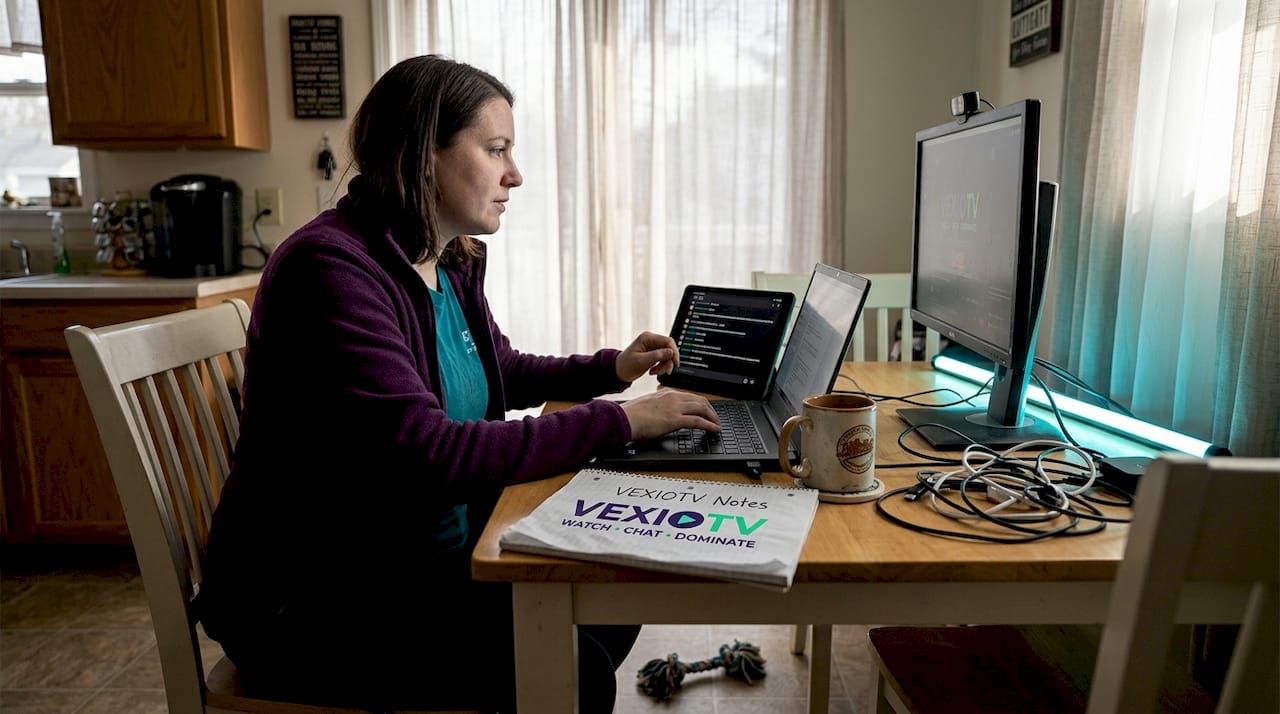
Interactive chat features are one of the most used tools in any hub. Live chat lets viewers comment in real time. But modern hubs go further. They offer pinned messages, slow mode to manage high-traffic chats, keyword filters, and the ability to highlight specific viewer comments on screen.
Here's a feature-by-feature breakdown of what modern streaming hubs offer:
| Feature | Purpose | Benefit to creator |
|---|---|---|
| Live chat | Real-time viewer messages | Immediate community interaction |
| Polls | Viewer voting during stream | Higher engagement, audience input |
| Multistreaming | Broadcast to multiple platforms | Wider reach without extra effort |
| Analytics dashboard | Track viewer data and revenue | Informed content decisions |
| Stream overlays | On-screen graphics and alerts | Professional broadcast appearance |
| Moderation tools | Filter and manage chat behavior | Safer, healthier community |
| Low-latency CDN | Reduce broadcast delay | Better for interactive gaming content |
Beyond the table, here are engagement features you can use right away:
- Subscriber alerts that appear on screen when someone subscribes or donates
- Channel points or loyalty rewards for regular viewers
- Clip creation tools that let viewers or creators save highlight moments
- Scheduled stream announcements to notify followers before you go live
- VOD access control so you can offer exclusive content to subscribers only
Real-time engagement tips often focus on consistency and responsiveness. The hub makes both easier. When chat, polls, and alerts are all visible from one dashboard, you can respond faster and interact more naturally during a stream.
Pro Tip: Use your hub's CDN performance data to identify which regions your viewers are connecting from. If a large portion of your audience is in a region where your stream latency is high, contact your platform or look for a hub with stronger CDN coverage in that area. Low latency matters most for interactive gaming content where real-time reactions are part of the entertainment.
Why aggregation hubs are trending
You've seen the tech and features, but why are so many creators moving to aggregation hubs? Here's what's driving widespread adoption.
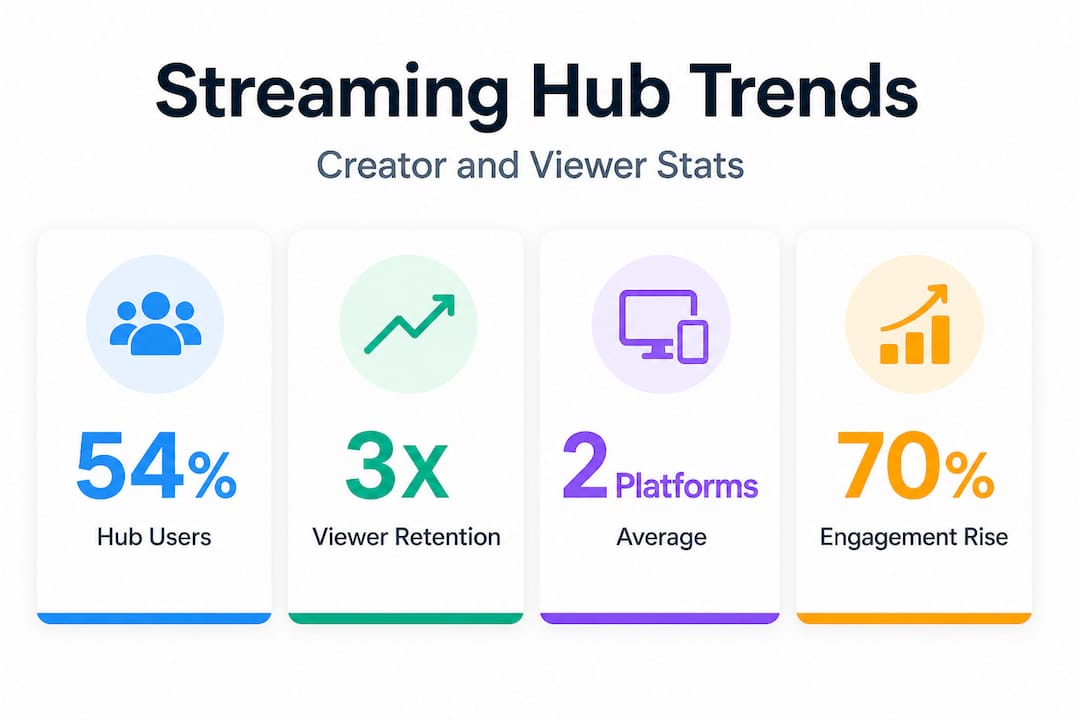
The numbers tell a clear story. 54% of viewers now use aggregation hubs like Prime Video as their primary method of managing streaming subscriptions in 2026. That's a majority of the viewing audience already comfortable with the hub model. Creators who adopt the same approach are meeting their audiences where they already are.
Managing multiple subscriptions, multiple content feeds, and multiple notification systems has become a real pain point for viewers. Aggregation hubs solve this on the viewer side. They see content from multiple sources in one place. For creators, the same logic applies on the production side. Managing content, analytics, community, and monetization from one dashboard removes friction at every step.
The growth of aggregation platforms is part of a broader industry move toward consolidation. Viewers don't want to open seven apps. Creators don't want to manage seven workflows. Hubs address both sides of that problem simultaneously.
Here are the main reasons creators are adopting streaming hubs:
- Reduced platform fatigue. Managing fewer tools means fewer mistakes and less burnout.
- Centralized community management. One chat, one moderation system, one set of rules.
- Unified revenue tracking. See all income streams, subscriptions, and ad revenue in one dashboard.
- Faster content decisions. Consolidated analytics show what's working across all your content in one report.
- Consistent branding. One hub means consistent overlays, alerts, and channel identity across all streams.
- Scalability. As your audience grows, a hub scales with you without requiring additional tools.
The benefits of streaming platforms compound over time. Creators who build their community inside a hub tend to retain viewers more effectively because the experience is more consistent and interactive than a fragmented multi-platform setup.
The real advantage: What most creators miss about streaming hubs
Most conversations about streaming hubs focus on features. More features means better hub, right? That's not quite accurate.
The real advantage of a streaming hub is not the feature list. It's the reduction of operational complexity. When you stop spending mental energy on managing five platforms, you free up capacity to focus on what actually grows your channel: better content, more consistent uploads, and stronger community relationships.
Many creators obsess over adding features but under-invest in streamlining their workflow. The result is a technically impressive setup that burns them out within six months. A hub that does fewer things but does them reliably and efficiently is more valuable than one that offers every possible tool but requires constant management.
Cloud-based multistreaming offloads CPU and bandwidth demands from your local hardware. This is a significant advantage for creators with mid-range or older equipment. Instead of your computer handling encoding, streaming, and recording simultaneously, the hub's cloud infrastructure absorbs most of that work. Your machine runs cooler. Your stream runs more stable. Your creative energy stays intact.
The priority for most creators should not be chasing every feature. It should be identifying the two or three core functions that matter most to their audience and making sure those work without fail. For a gaming streamer, that's low-latency delivery and responsive chat. For a music creator, it's audio quality and visual overlays. Focus on those first. Use the hub's analytics to guide everything else.
Monetizing your streams becomes more practical once your operational setup is stable. You can't reliably convert viewers into subscribers if your stream drops frames every ten minutes or your chat moderation fails during peak hours. The hub solves the infrastructure so you can focus on the conversion.
Ultimately, a streaming hub is a foundation. Build the right foundation and everything else, audience growth, revenue, community, gets easier. Focus too early on advanced features and you risk building on an unstable base. Choose a hub that handles the essentials reliably. Use streaming engagement strategies that match your content style. Then scale from there.
Ready to centralize your streaming? Explore your next steps
If you're ready to stop juggling platforms and start maximizing your presence, there are resources available for you right now.
VexioTV is built for exactly this transition. The platform lets you go live with one click, manage your community in real time, and start earning from your content without needing a complex technical setup. Whether you stream gaming, music, IRL content, or creative performances, VexioTV brings your tools, your audience, and your revenue into one place. Sign up, log in, and go live. Visit VexioTV to explore how it fits your workflow and take your first step toward a more organized, engaging, and profitable streaming setup.
Frequently asked questions
Do I need technical expertise to use a streaming hub?
No. Most streaming hubs provide user-friendly dashboards and step-by-step tutorials, so creators at any skill level can manage streams from one centralized interface without prior technical knowledge.
Can I stream to multiple platforms at once with a hub?
Yes. Many streaming hubs support multistreaming, letting you broadcast simultaneously to multiple platforms without extra software or additional hardware load on your local machine.
How do streaming hubs improve audience engagement?
Streaming hubs provide live chat, polls, and analytics in one dashboard, making it easier to interact with viewers in real time and track what content drives the most engagement.
Are aggregation hubs just for entertainment and gaming?
No. While entertainment and gaming are the primary use cases, aggregation hubs are actively expanding into education, business webinars, fitness coaching, and niche interest communities across multiple sectors.